How to hide all fields in a calendar view in Airtable
Here is how to hide all fields in a calendar view in airtable
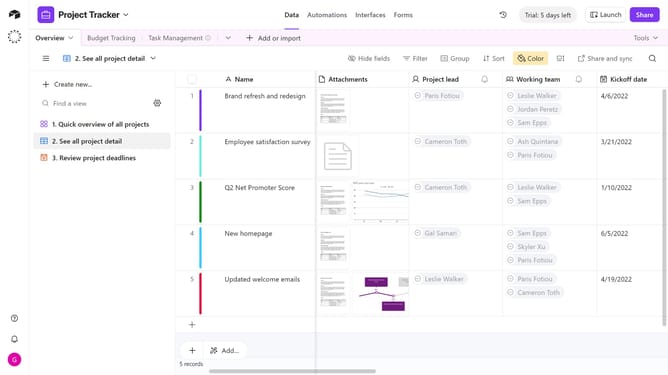
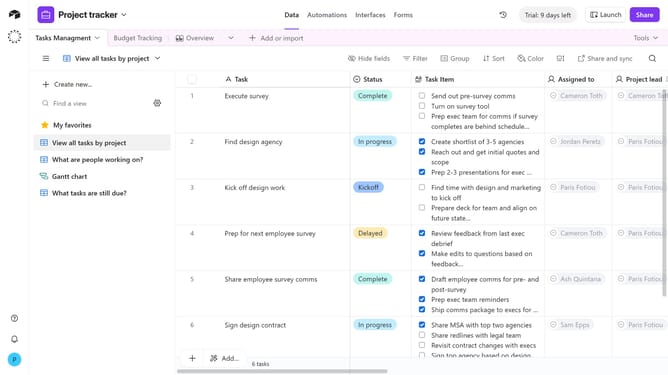
- First, navigate to the base and open the table containing the calendar view
- In the view sidebar, select the calendar view you want to edit
- Next click on the "Customize labels" button in the toolbar
- Then click on the "Hide all" option in the field selection dropdown
- All fields in the calendar view are now hidden
Why should you hide all fields in a calendar view in Airtable
Airtable merges the flexibility of a spreadsheet with the power of a database, offering a unique way to organize and streamline work processes.
The feature to hide all fields in a calendar view in Airtable allows users to customize their visual interface, focusing only on the most crucial information. This ensures a clean and distraction-free calendar display.
By hiding unnecessary fields, users can improve their workflow efficiency, easily accessing relevant data and making enterprise resource planning easier. Such a streamlined view assists in focusing on project timelines without the clutter of excessive detail.
Last update