How to rename a field in Airtable
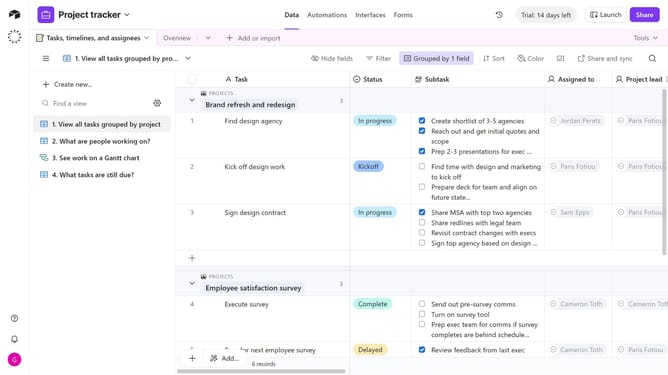
Here is how to rename a field in airtable
- First navigate to your base and open the table containing the field
- Locate and hover over the field you want to rename
- Next click the dropdown arrow next to the field name
- Then click on "Edit field" option in the dropdown menu
- Enter the new field name in the edit field dialog
- Finally click the "Save" button to confirm the changes
Why should you rename a field in Airtable
Airtable effortlessly merges the flexibility of a spreadsheet with the power of a database, designed to streamline organization and collaboration.
Renaming a field in Airtable is a subtle yet powerful way to ensure clarity and relevance across your projects. By tailoring field names, you can swiftly align them with the evolving needs of your team or project goals.
This feature enhances understanding, allowing collaborators to intuitively grasp the context and significance of the data presented. As a result, everyone remains on the same page, increasing efficiency and accuracy in data management.
Last update