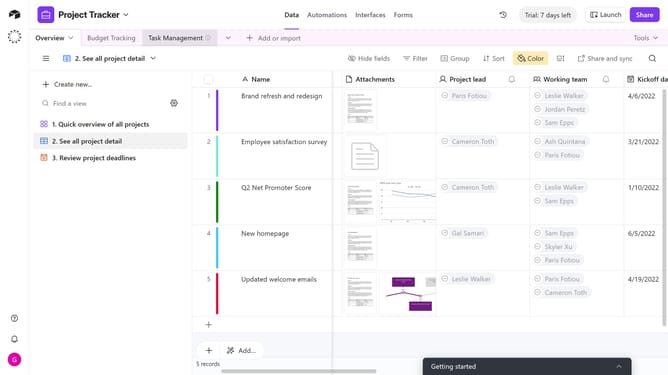
How to create a currency field in Airtable
Here is how to create a currency field in airtable
- First, navigate to your preferred base and open the table where you want to add a Currency field
- Next, click the “+” button in the top-right corner of the table columns
- Then, select “Currency” from the field type dropdown menu
- Enter a name for your field in the Field name input
- Next you can optionally update the default settings under the Formatting section
- You can click on the default value input field and enter your preferred number
- Finally click on "Create field" button to create the new field
Why should you create a currency field in Airtable
Airtable is a versatile platform that combines the power of a spreadsheet with the functionality of a database.
Creating a currency field in Airtable enhances financial data accuracy and clarity. By adding this feature, users can seamlessly manage monetary values, ensuring that all data entries are consistent and error-free.
This feature is particularly beneficial for businesses and teams requiring precise financial tracking, providing a streamlined approach to managing budgets and expenses.
The integration of a currency field supports financial transparency, fostering better decision-making and strategic planning.
Last update