How to see all of the extensions in a base in Airtable
Here is how to see all of the extensions in a base in airtable
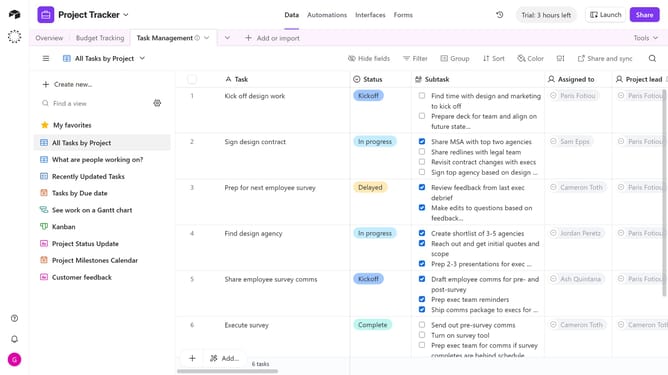
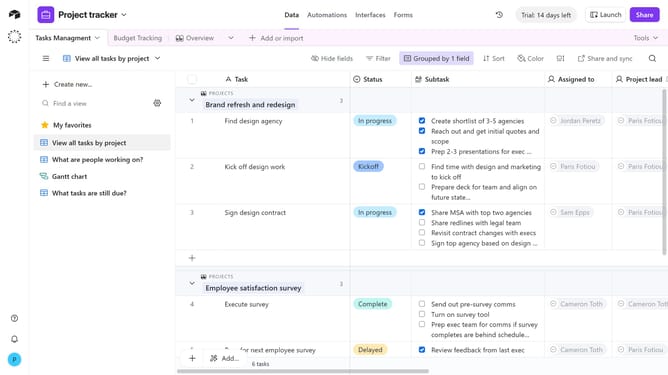
- First, open the base where you want to see the extensions
- Next click on the "Tools" button in the top-right corner of the base
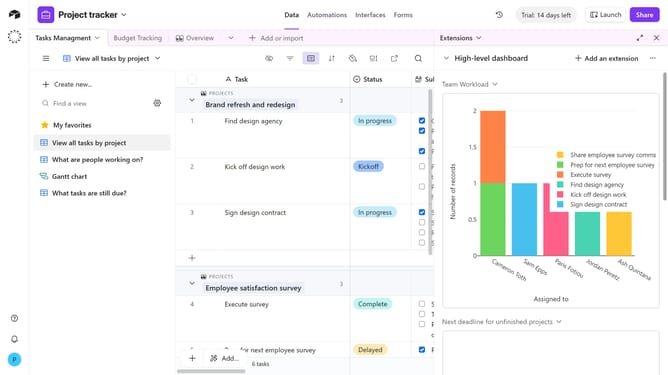
- Click on the "Extensions" option from the Tools dropdown menu
- The extensions panel will open on the right-hand side of the base, scroll through the panel to see all extensions currently added to the base
- To view the panel in fullscreen, click the expand icon in the top-right corner
Why should you see all of the extensions in a base in Airtable
Airtable is a versatile platform that combines the simplicity of a spreadsheet with the power of a database.
Seeing all the extensions in a base in Airtable allows users to have a comprehensive view of the tools enhancing their workflow. This feature is essential for efficiently managing and customizing a database, providing a holistic insight into all integrated functionalities.
By accessing all extensions in one place, users can seamlessly optimize their base's capabilities, driving productivity and ensuring every tool is utilized to its fullest potential. This empowers decision-makers with a clearer understanding of their system's resources.
Last update