How to find an expanded record’s URL ID in Airtable
Here is how to find an expanded record’s url id in airtable
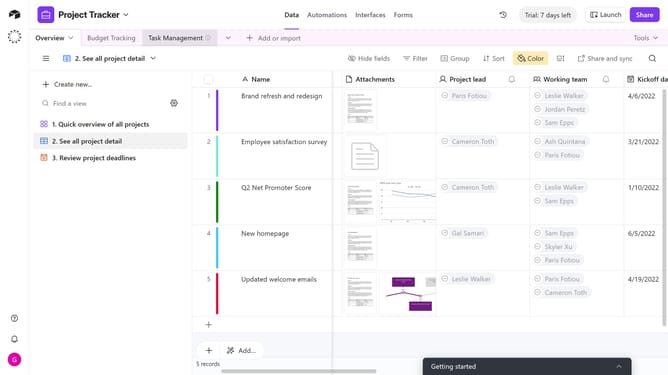
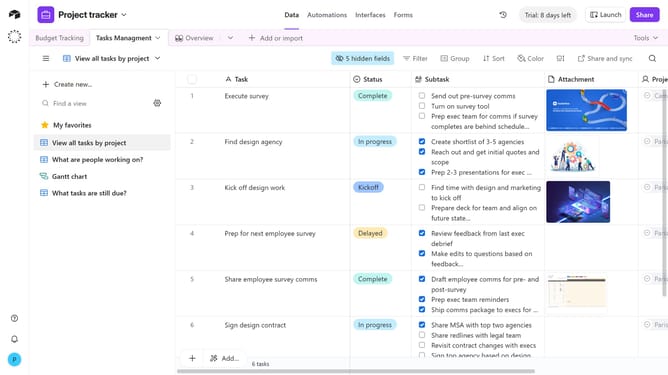
- First, navigate to your base and open the table containing the record
- Locate the record you want to expand
- Then click on the expand icon next to it
- The record will open in the full record view
- Look at the URL in your browser’s address bar. Your record ID is the "recxxxxxxxx" section of the address
Why should you find an expanded record’s URL ID in Airtable
Airtable is a versatile platform that combines the simplicity of a spreadsheet with the robustness of a database, empowering users to organize and visualize data effortlessly.
An expanded record’s URL ID in Airtable is a unique identifier that allows you to access specific records directly. By using this feature, you can streamline navigation and enhance collaboration, ensuring team members can quickly find and reference the exact data they need.
This unique URL ID improves efficiency in data management processes, enhancing workflow integration and boosting productivity across projects.
Last update