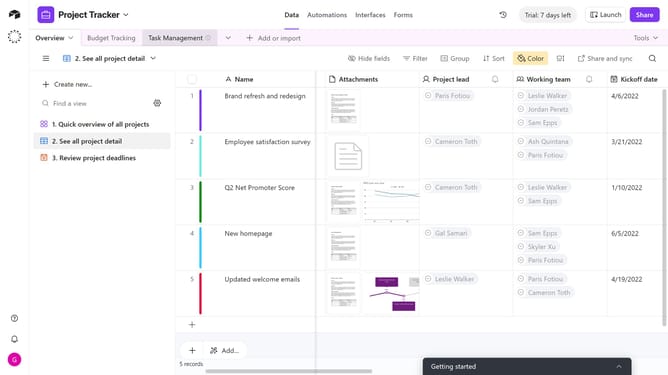
How to change the size of a field in a form in Airtable
Here is how to change the size of a field in a form in airtable
- First navigate to the base that contains your form and click on the "Forms" tab
- In the forms list, select the form you want to edit
- Next on the form canvas, click the field whose size you want to change
- In the Properties panel that opens, locate the "Size" option under the Appearance section
- Then choose the desired size, either Default or Large
- Finally once done, click on "Publish" button to update the live form
Why should you change the size of a field in a form in Airtable
Airtable is a versatile platform designed to streamline collaboration and data organization through its intuitive workflows.
One of its powerful capabilities is adjusting the size of fields in a form, promoting enhanced user experience and data presentation. When you tailor the field size, it ensures that key information is prominently displayed, making forms more accessible and organized.
This customization not only facilitates a smoother interaction for users but also allows you to highlight important data, ultimately improving the clarity and usability of your forms.
Last update