How to find a view ID from a URL in Airtable
Here is how to find a view id from a url in airtable
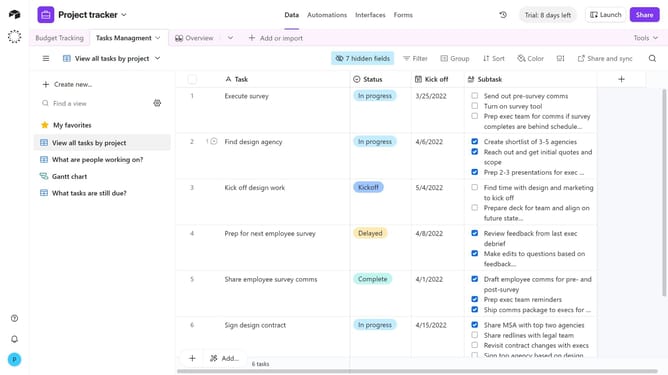
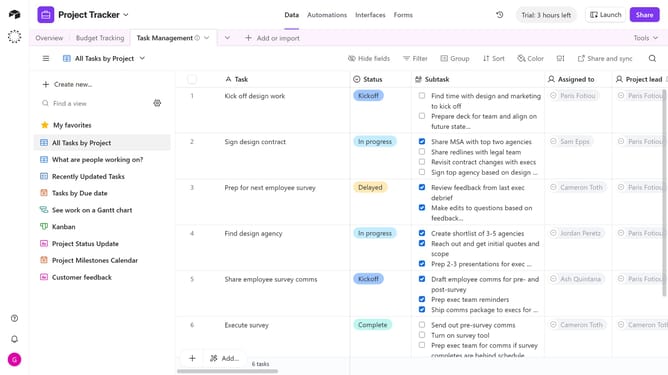
- First click on a base from the Airtable home screen
- Next navigate to the table that contains the view
- In the view sidebar, select the view whose ID you want to find
- Look at the URL in your browser’s address bar. The view ID is the section that begins with “viw”
Why should you find a view ID from a URL in Airtable
Airtable is a dynamic platform that combines the flexibility of a spreadsheet with the power of a database, making it a versatile tool for managing various types of projects.
One standout feature of Airtable is its ability to easily identify a view ID from a URL. This feature not only enhances collaboration but also improves workflow efficiency by allowing users to quickly access specific views within a database.
Using the view ID enables seamless integration with other tools and helps automate tasks, thereby maximizing productivity and maintaining data organization across teams.
Last update