How to allow viewers to copy data from your shared view in Airtable
Here is how to allow viewers to copy data from your shared view in airtable
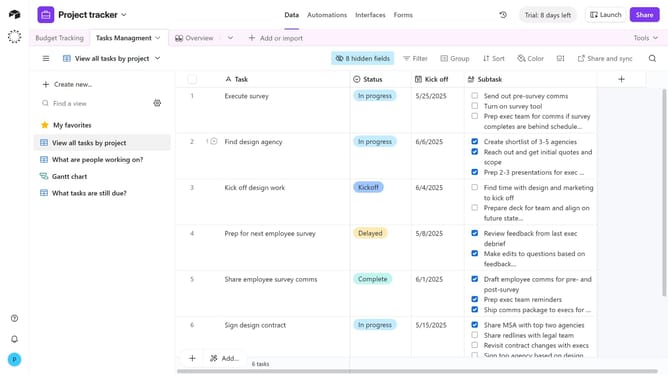
- First, navigate to the base and open the table containing the view you want to share
- Open the view sidebar and select the view you want to share
- Next click on the "Share and sync" button in the top toolbar
- Then click on "Link settings" in the share menu dropdown
- Finally toggle on the "Allow viewers to copy data out of this view" option
- Viewers accessing the shared link will now be able to copy records from the view
Why should you allow viewers to copy data from your shared view in Airtable
Airtable is a versatile platform that combines the functionality of a database with the simplicity of a spreadsheet, empowering users to efficiently manage their data.
Allowing viewers to copy data from your shared view in Airtable enhances collaboration and data accessibility.
When users can easily copy data, it enables a seamless flow of information and facilitates teamwork. This feature supports smooth communication and operational efficiency, making data sharing effortless and effective.
Moreover, it simplifies data transfer, saving time and reducing errors, ultimately improving productivity.
Last update