How to copy a field URL in Airtable
Here is how to copy a field url in airtable
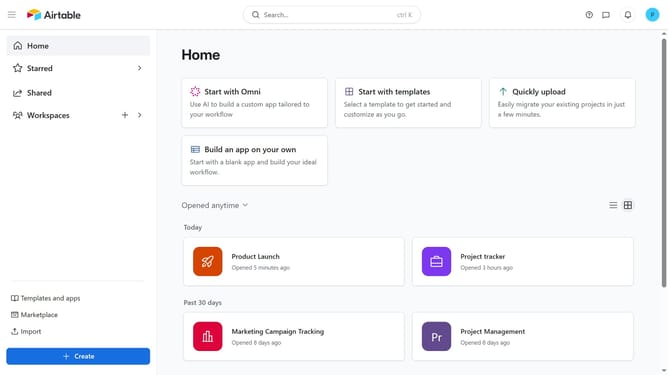
- First open a base from the home screen
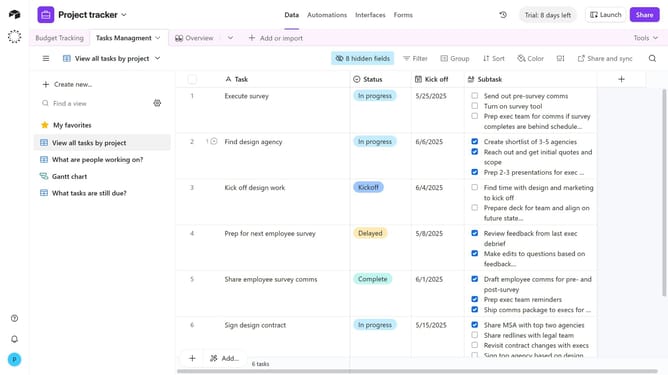
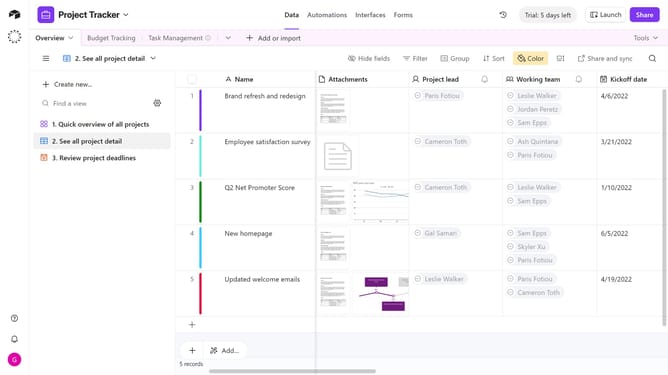
- Next, navigate to your base and open the table containing the field
- Locate and hover over the field name you want to copy the URL from
- Then click the dropdown arrow next to the field name
- Finally select "Copy field URL" option from the dropdown menu
Why should you copy a field URL in Airtable
Airtable, a versatile project management tool, simplifies organization with its user-friendly interface and customizable database capabilities.
One particularly helpful feature is copying a field URL, which transforms navigation and collaboration within your projects. By utilizing this feature, you can effortlessly share specific fields with your team members, enhancing communication and efficiency.
This streamline process ensures that everyone involved can directly access precise information, minimizing time wasted searching and boosting overall productivity.
Last update