How to create a field to a table in Airtable
Here is how to create a field to a table in airtable
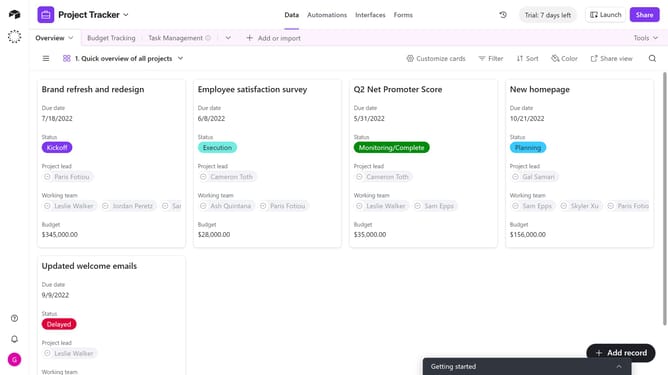
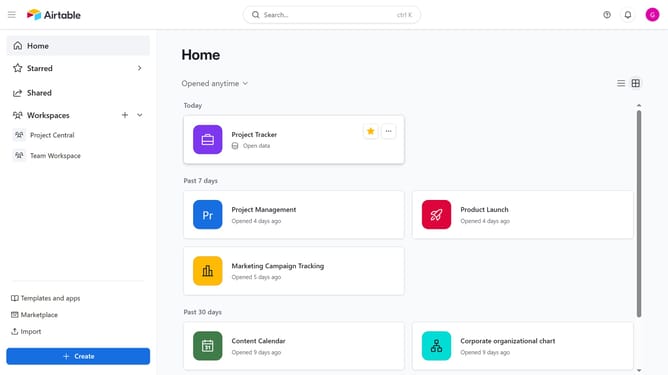
- First, navigate to your preferred base and open the table where you want to add the field
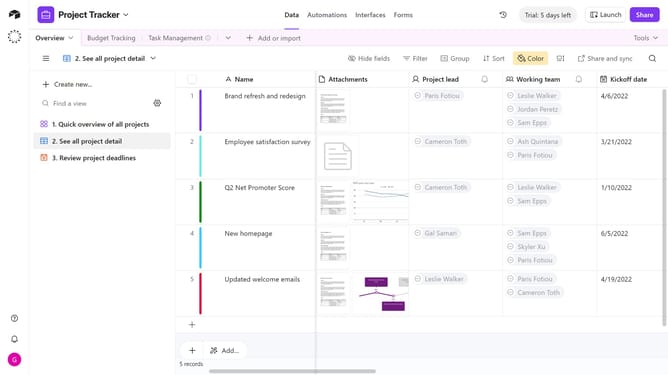
- Next, click the "+" button in the top-right corner of the table columns
- Then, select your preferred field type from the dropdown menu
- Enter a name for your field in the Field name input
- Next configure any additional options for the field
- Finally click the "Create field" button to create the new field
Why should you create a field to a table in Airtable
Airtable is a versatile platform designed to streamline data organization and collaboration effectively.
Creating a field in an Airtable table enhances the customization and adaptability of your database to cater to specific needs. By adding fields, users can tailor their tables with precision, enabling more targeted data entry and retrieval.
This feature aids in making databases more dynamic, accommodating a variety of data types. It's perfect for refining processes, ensuring consistency, and facilitating better insights, ultimately maximizing productivity and clarity.
Last update