How to edit a workspace invite link in Airtable
Here is how to edit a workspace invite link in airtable
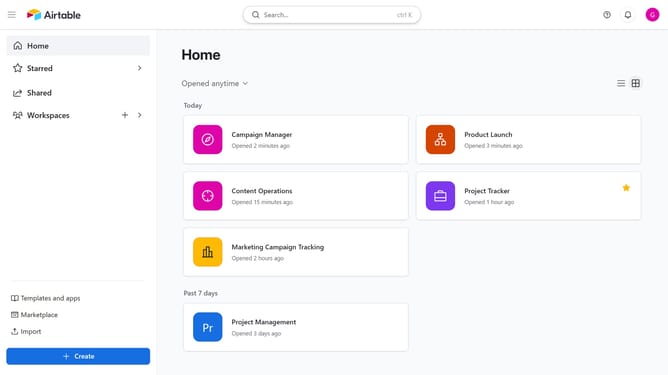
- First navigate to your Airtable home screen
- In the left sidebar, click on the workspace you want to edit the invite link
- Next click the “Share” button in the top-right corner of the workspace
- Click on the Invite link" option in the share dialog
- Click on the "Edit invite link" icon to modify link settings
- From here, you can change the access level and specify who can use the link
- Finally click on the "Save" button to apply the invite link changes
- The workspace invite link is now updated, and anyone using the link will have the new access settings
Why should you edit a workspace invite link in Airtable
Airtable is a powerful platform that combines the simplicity of a spreadsheet with the depth of a database for seamless team collaboration.
One of its handy features includes the ability to edit a workspace invite link. This feature allows you to adjust the accessibility and security of workspace invitations with ease.
Utilizing this feature ensures that only the right team members gain access, maintaining your workspace's integrity and boosting collaborative efforts effectively.
Last update