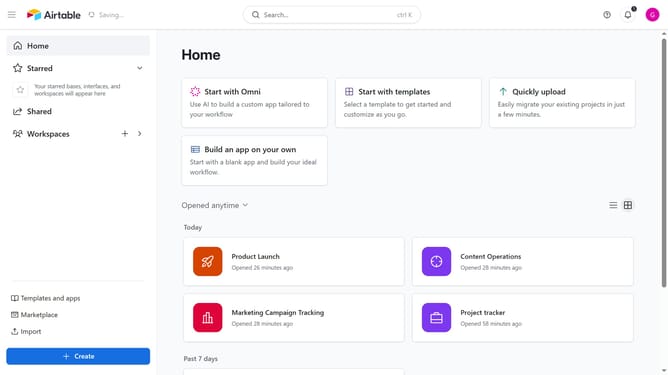
How to invite collaborators to a workspace by email address in Airtable
Here is how to invite collaborators to a workspace by email address in airtable
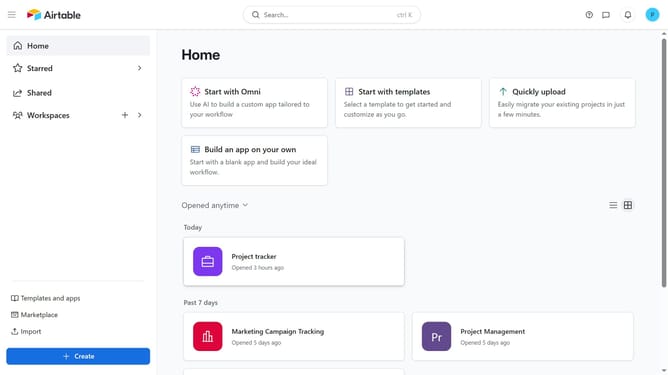
- First navigate to your home screen
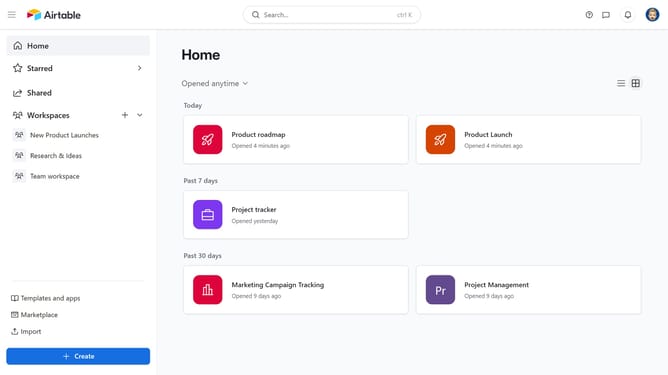
- Next click on the workspace you want to share in the left sidebar
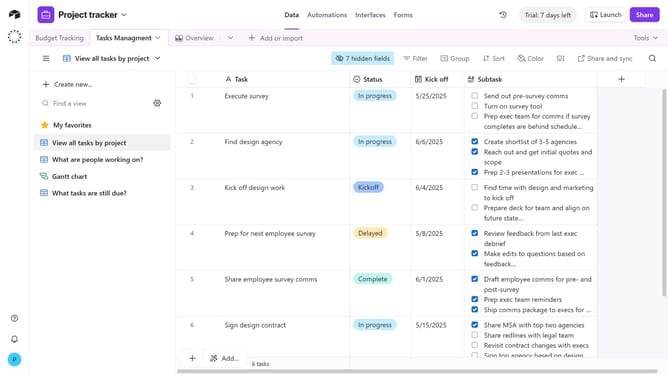
- Click on the "Share" button in the top right corner of the workspace
- Click the email input field and enter the email addresses of the people you want to invite
- Then select the suggested email from the dropdown list
- Click the permission dropdown button
- From the permission dropdown, select an access level
- Next click in the optional message field to add a note if needed
- Finally click the "Invite" button to send the invitation
- Your collaborators will receive an email invitation to join the workspace with the assigned permissions
Why should you invite collaborators to a workspace by email address in Airtable
Airtable is a flexible platform that combines the power of a database with the simplicity of a spreadsheet to organize and collaborate on projects effectively.
Inviting collaborators to a workspace by email address in Airtable streamlines teamwork. This feature ensures that all necessary stakeholders are included seamlessly, promoting collective productivity.
By inviting team members via email, users can easily reach out to partners and clients, fostering an inclusive environment that supports open communication and enhanced project management.
Last update