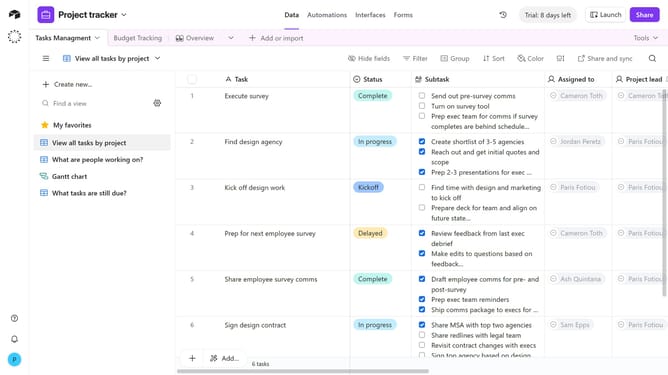
How to adjust the timescale in a calendar view in Airtable
Here is how to adjust the timescale in a calendar view in airtable
- First, navigate to the base and open the table containing the calendar view
- In the view sidebar, select the calendar view you want to adjust the timescale for
- Next click on the "Change timescale" dropdown button in the toolbar
- Then choose your preferred timescale option from the dropdown menu
- The calendar view will update instantly to reflect the selected timescale
Why should you adjust the timescale in a calendar view in Airtable
Airtable is a powerful tool that combines the features of a database with the simplicity of a spreadsheet to streamline your project management.
Adjusting the timescale in Airtable's calendar view allows users to customize their view to better suit their scheduling needs. This flexibility helps users focus on details by zooming into specific dates or looking at broader monthly overviews.
This feature enhances productivity by aligning visual timelines with project goals, ensuring nothing falls through the cracks and deadlines are met efficiently.
Last update