How to restore a deleted base in Airtable
Here is how to restore a deleted base in airtable
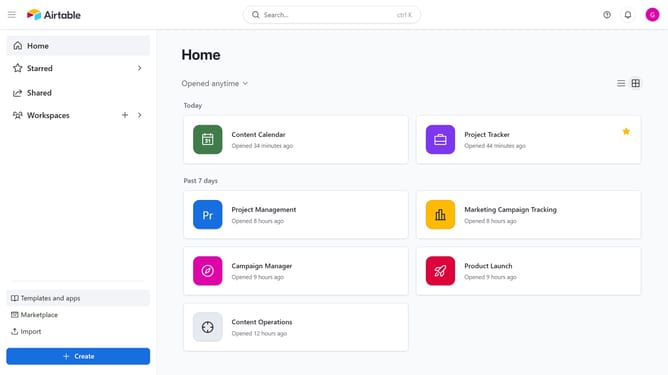
- First, navigate to your home dashboard
- Next click your profile icon in the top-right corner
- Then click on the "Trash" option from the profile dropdown menu
- Find the base you want to restore from the trash list
- Finally click the "Restore" button next to it
- The base is now restored and will reappear in its original workspace with all its data
Why should you restore a deleted base in Airtable
Airtable seamlessly combines the powerful functionality of a database with the flexibility of a spreadsheet, making it a favorite tool for organizing information.
One of its standout features is the ability to restore a deleted base, ensuring that your valuable data is never truly lost. This feature acts as a safety net, providing peace of mind when working on important projects, allowing users to experiment without the fear of permanent data loss.
Restoring deleted bases not only saves time but also enhances productivity by reducing the risk of accidental data deletion, making your workflow smoother and more efficient.
Last update