How to view attachments in Airtable
Here is how to view attachments in airtable
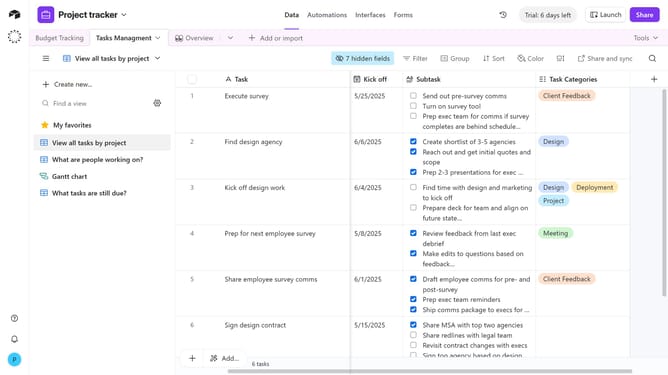
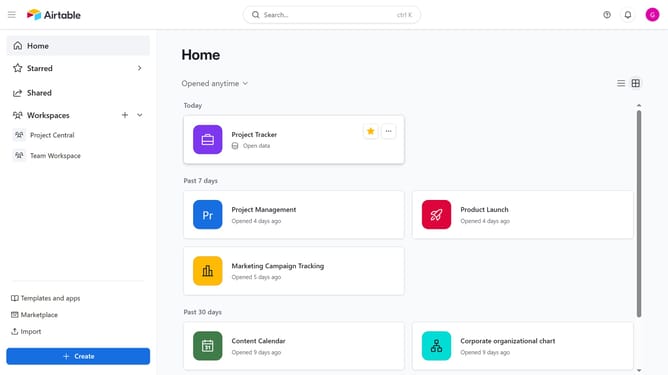
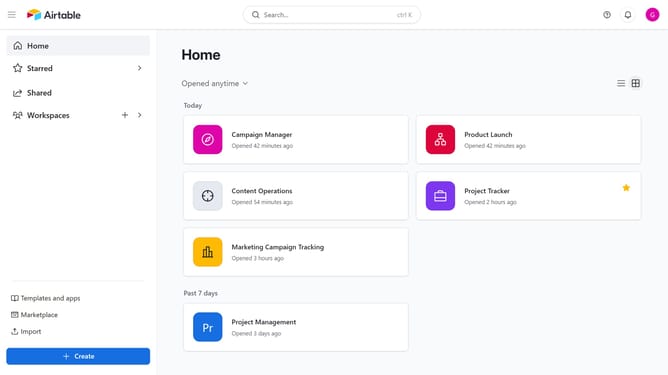
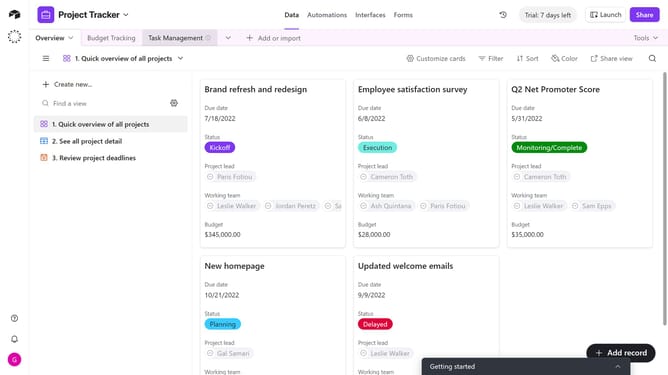
- First navigate your preferred base and open the table with an attachment field
- Locate the record that has the attachment you want to view
- Next click on the thumbnail or file icon in the attachment field to open the preview window
- The preview window will open, showing the attachment
Why should you view attachments in Airtable
Airtable is a versatile platform that transforms how you organize data, bringing simplicity and efficiency to team workflows.
The ability to view attachments in Airtable elevates project management by providing seamless access to vital documents and images.
This feature empowers users to maintain a comprehensive and organized database without the clutter, ensuring essential assets are just a click away.
Embracing this functionality enhances collaboration, keeping all team members aligned and informed with minimal effort.
Last update