How to create a form group in Airtable
Here is how to create a form group in airtable
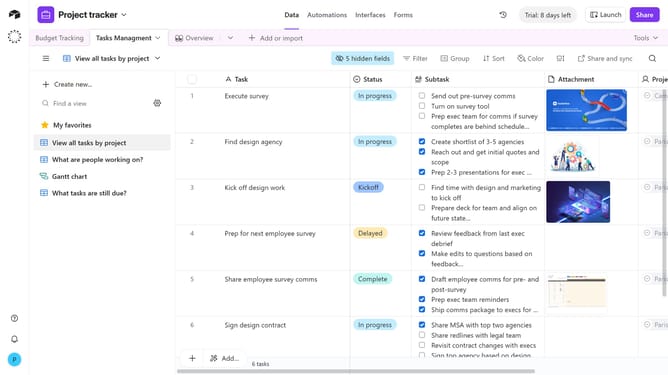
- First navigate to the base that contains your form and click on the "Forms" tab
- In the forms list, select the form where you want to create a new group
- Hover just below a form’s description or below the last field on the form-building canvas
- Then click on the "Add group" button
- Next click on the text "New Group" to edit the group name
- Enter a name for the new group in the input box
- Next click the plus icon button to add fields to the group
- Choose the field you want to add from the available options or create new field
- Form group created successfully. Configure its settings in the Properties panel on the right as needed
- You can click "Publish" in the top-right corner to make the changes live, if desired
Why should you create a form group in Airtable
Airtable is a versatile platform that combines the simplicity of a spreadsheet with the power of a database to seamlessly organize anything.
Creating a form group in Airtable streamlines data collection by consolidating related forms into a single, organized interface. This feature enhances efficiency, making it easier to gather and analyze responses.
By using form groups, you save time and improve collaboration, ensuring that every piece of information is accessible and logically structured for your team's needs.
Last update