How to add a view to favorites in Airtable
Here is how to add a view to favorites in airtable
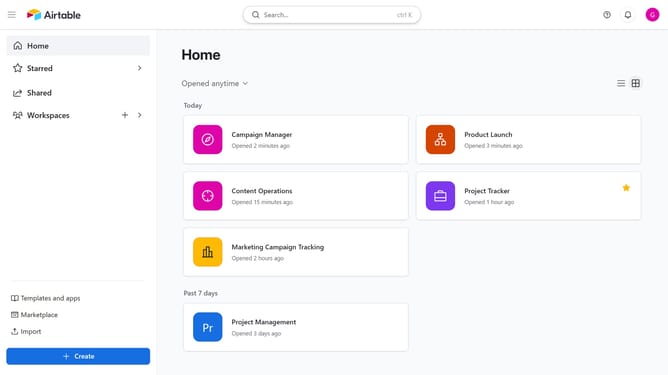
- First click on a base from the Airtable home screen
- Next open the table where the view is located
- Locate the view you want to favorite in the list of views in the view sidebar
- Then hover over the view name and click on the more options menu (three dots) next to it
- Finally click on "Add to 'My favorites'" option in the dropdown menu
Why should you add a view to favorites in Airtable
Airtable is a dynamic platform designed to enhance collaboration and streamline workflows through customizable databases.
Adding a view to favorites in Airtable allows you to quickly access the most important perspectives on your data.
This feature is a boon for productivity, helping you prioritize and focus on tasks that matter most without sifting through numerous views.
With favorite views, your data becomes more workable, ensuring you and your team remain aligned and efficient.
Last update