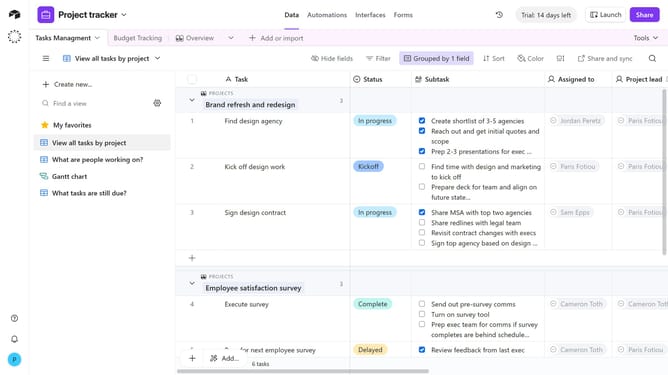
How to edit a table description in Airtable
Here is how to edit a table description in airtable
- First, open the base and click on the table you want to edit
- Next right-click the table tab or click the dropdown arrow next to it
- Click on "Edit table description" in the dropdown menu
- Then click in the text input field and update or change the description text as needed
- Finally click "Save description" button to save the new table description
Why should you edit a table description in Airtable
Airtable is a versatile platform that combines the simplicity of spreadsheets with the power of databases.
Editing a table description in Airtable enhances your organizational clarity. This feature allows you to provide concise details about the table's purpose and its contents, making collaboration smoother and more intuitive.
By refining your table descriptions, team members can quickly understand the context and flow of information, boosting productivity and ensuring everyone is on the same page.
Ultimately, using this feature reduces confusion and enhances efficiency in collaborative workspaces.
Last update