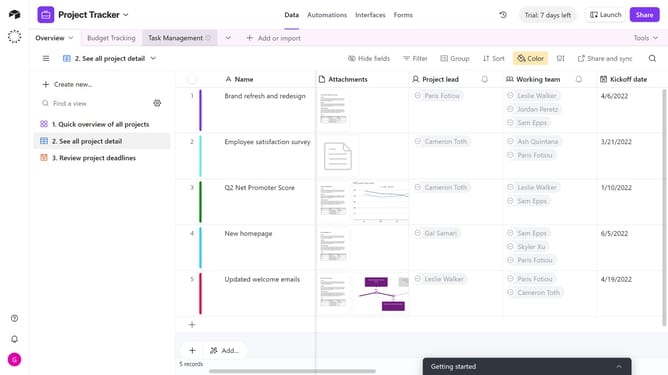
How to create a new base using AI in Airtable
Here is how to create a new base using ai in airtable
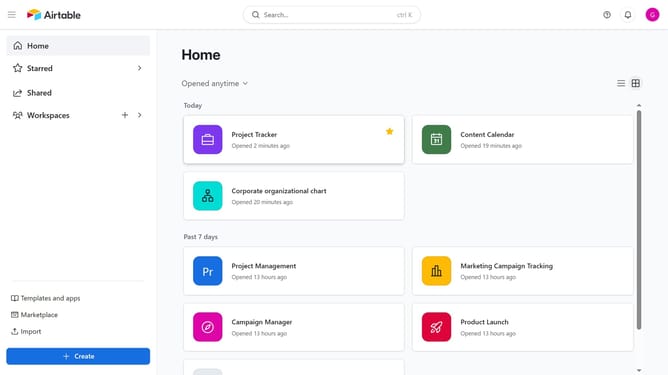
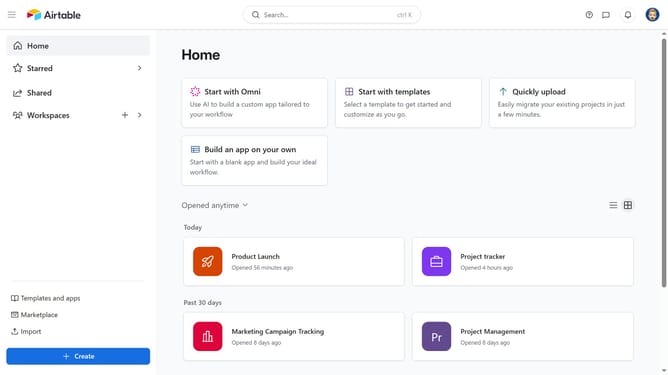
- First, navigate to your home screen and click on the "Create" button in the left sidebar
- Next click on "Workspaces" option in the left navigation menu
- Select a workspace from the dropdown menu
- Then click on "Build an app with Omni" option
- Next, click into the input field
- Then, type a short description of what you want your base to do
- Click the "Build it" button to start creating the base
- Omni AI will create a base structure with tables and fields based on your description
- Finally, once the base is created, review the AI-generated tables and fields, and make any edits you need
Why should you create a new base using AI in Airtable
Airtable is a versatile platform that seamlessly combines the power of spreadsheets and databases for enhanced collaboration and productivity.
Creating a new base using AI in Airtable revolutionizes the way users set up their data environments. This feature leverages AI to intuitively suggest templates, structures, and fields tailored to your specific needs.
By using AI, users can save time and ensure accuracy, allowing them to focus on higher-level strategic tasks, while the AI handles the groundwork. This seamless integration of AI helps users start efficiently without any guesswork or manual setup errors.
Last update