How to add a description to a table in Airtable
Here is how to add a description to a table in airtable
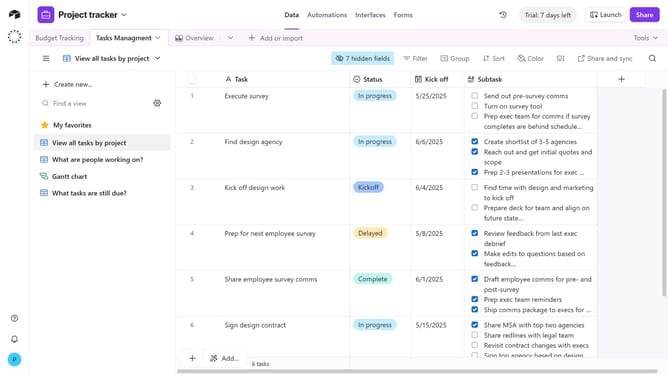
- First, open the base and click on the table you want to add a description to
- Next right-click the table tab or click the dropdown arrow next to it
- Then click on "Edit table description" option in the dropdown menu
- Type your description in the text field
- Finally click the "Save description" button to save the table description
Why should you add a description to a table in Airtable
Airtable is a versatile platform designed to organize and streamline your data with flexibility and ease.
Adding a description to a table in Airtable enhances clarity and communication for team collaboration. This feature allows you to provide essential context, ensuring everyone is aligned and informed about the table's purpose and content.
By incorporating descriptions, you enrich your database with valuable details, boosting efficiency. This functionality diminishes confusion, fosters better understanding, and supports seamless project management for users at any level.
Last update