How to move a base from one workspace to another in Airtable
Here is how to move a base from one workspace to another in airtable
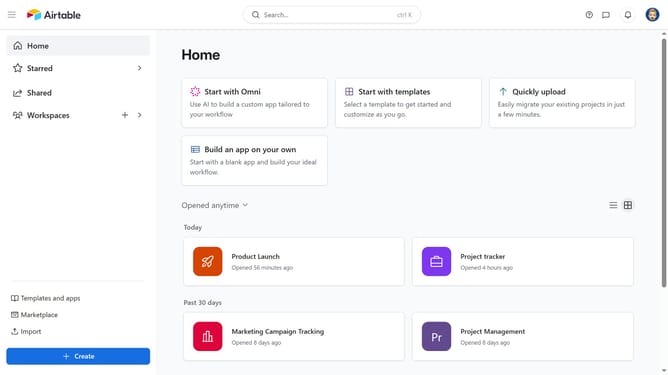
- First, navigate to your Airtable home screen
- Next locate the base you want to move
- Hover over the base name and click the “More options” menu (three dots) in the top-right corner
- Then select "Move" option from the dropdown menu
- In the dialog box that appears, click to open the workspace selection dropdown
- Next choose the destination workspace from the workspace options
- Finally click the "Move app" button in the confirmation dialog
Why should you move a base from one workspace to another in Airtable
Airtable is an innovative platform that blends the functionalities of a database with the familiarity of a spreadsheet, enabling seamless data management.
Transferring a base between workspaces in Airtable is straightforward, improving organization and collaboration.
By moving bases, you can reallocate resources and streamline workflows, ensuring your team accesses the information they need when they need it.
This flexibility fosters greater team efficiency and ensures optimal project management across various departments or project scopes.
Last update