How to view an extension details in Airtable
Here is how to view an extension details in airtable
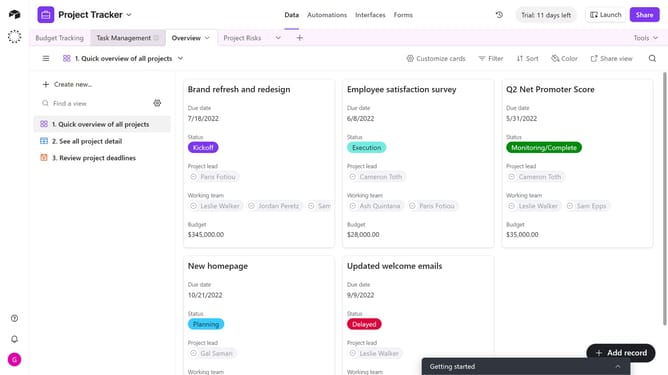
- First, open the base where the extension is located and click on the "Tools" button in the top-right corner
- Click on "Extensions" option from the dropdown menu
- In the extensions panel, locate the extension whose details you want to view
- Click on the dropdown arrow next to the extension name
- Then select "About this extension" option from the dropdown menu
- The extension’s information, description, and functionality will be displayed in the extension details modal
Why should you view an extension details in Airtable
Airtable combines the simplicity of a spreadsheet with the power of a database, transforming how you manage and organize information.
The ability to view extension details in Airtable enhances this versatile platform by providing in-depth insights into each tool available.
This feature allows users to access key information quickly and intuitively, enabling more informed decisions and improved workflow customization.
Overall, reviewing extension details helps refine processes and optimize productivity while maintaining a user-friendly experience.
Last update