How to hide fields in a grid view in Airtable
Here is how to hide fields in a grid view in airtable
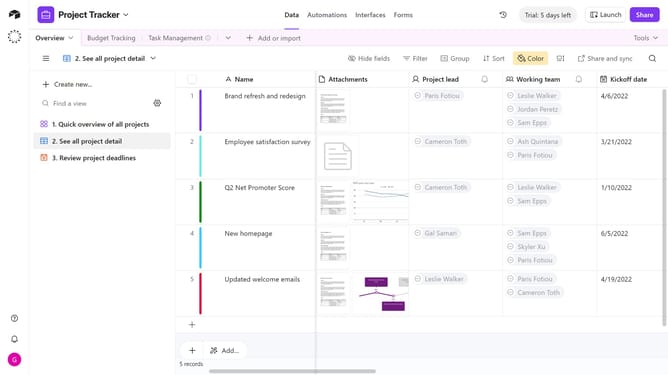
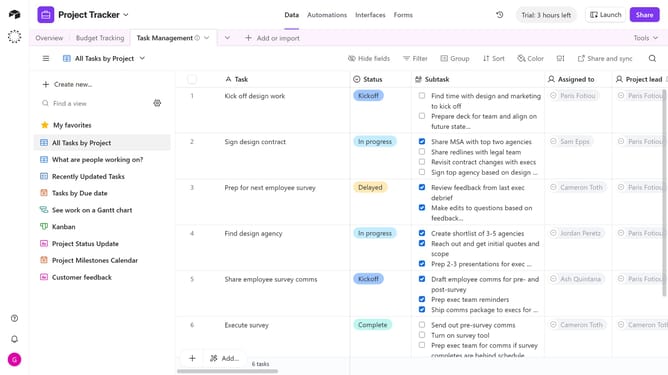
- First navigate to a base and open the table where the Grid view is located
- Next open the view sidebar and select the Grid view you want to update
- Then click on "Hide fields" button in the top toolbar
- In the Hide fields dialog that appears, scroll through the list of fields
- Finally toggle off the switches next to the fields you want to hide
Why should you hide fields in a grid view in Airtable
Airtable is a versatile platform that combines the simplicity of a spreadsheet with the functionality of a database.
The ability to hide fields in a grid view is an ingenious feature in Airtable that enhances focus and streamlines data processing. By selectively concealing fields, users can emphasize pertinent information, making the workspace less cluttered and more efficient.
This feature is particularly beneficial for collaborative projects, ensuring team members only view the data relevant to their tasks, thereby improving productivity and maintaining privacy.
Last update