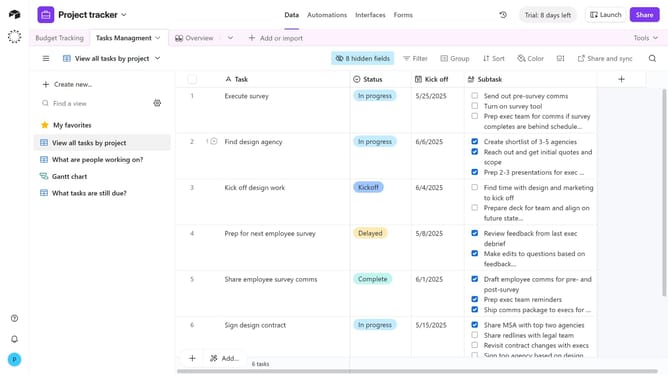
How to create a number field in Airtable
Here is how to create a number field in airtable
- First, navigate to your preferred base and open the table where you want to create a number field
- Next, click the “+” button in the top-right corner of the table columns
- Then, select “Number” from the field type dropdown menu
- Enter a name for your field in the field name input
- In the formatting section, configure the settings according to your preference
- Next click on the default value input field and enter a default value to prefill new records if needed
- Finally click the "Create field" button to complete the field creation
Why should you create a number field in Airtable
Airtable merges the functionality of a database with the interface of a spreadsheet, enabling efficient data management for individuals and teams.
Creating a number field in Airtable allows users to seamlessly handle numerical data within their tables, enhancing data precision and analysis.
This feature is ideal for tracking metrics, conducting calculations, and managing inventory. It empowers users to organize quantitative information efficiently, leading to more informed decision-making and improved project outcomes.
Last update