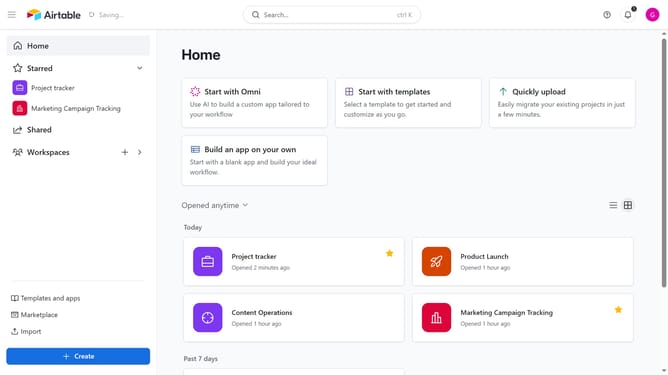
How to find a workspace ID in Airtable
Here is how to find a workspace id in airtable
- First navigate to the home screen where all your workspaces are listed
- Then click on the workspace whose ID you want to find under the Workspaces section
- Once your workspace is open, the URL in your browser's address bar will display your workspace ID. The text string starting with "wsp" is your workspace ID
Why should you find a workspace ID in Airtable
Airtable is a versatile platform designed to simplify organization and collaboration.
Finding a workspace ID in Airtable enhances the efficiency of automation and integration processes by identifying specific workspaces seamlessly.
Utilizing a workspace ID allows for precise data management and contributes to improved workflow customization. It also ensures smoother communication between connected apps and services, streamlining operations for users.
Last update