How to unstar a base in Airtable
Here is how to unstar a base in airtable
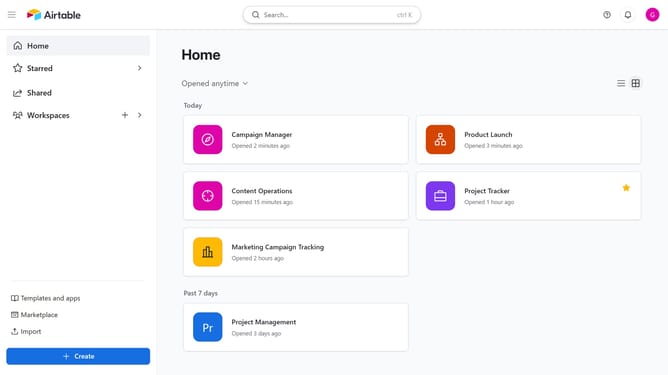
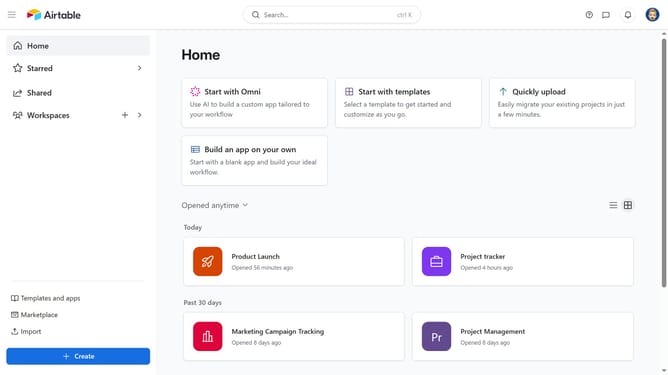
- First navigate to your Airtable home screen
- Next find the base either in the Starred section or in your full base list
- Then hover over the base name and click the star icon to remove the star
- The base will no longer appear in your Starred section
Why should you unstar a base in Airtable
Airtable seamlessly combines the simplicity of a spreadsheet with the robust capabilities of a database, making it a versatile collaboration tool.
Unstarring a base in Airtable helps you streamline your workspace by keeping only the most crucial projects in focus. This feature is particularly beneficial for maintaining an organized dashboard, allowing easy access to the most relevant bases.
By keeping your workspace clutter-free, you enhance productivity and ensure efficient navigation, maximizing your team's collaborative efforts without distractions.
Last update