How to create a percent field in Airtable
Here is how to create a percent field in airtable
- First, navigate to your preferred base and open the table where you want to create the field
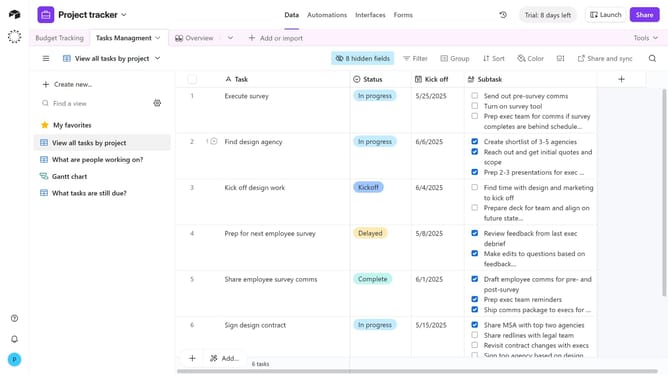
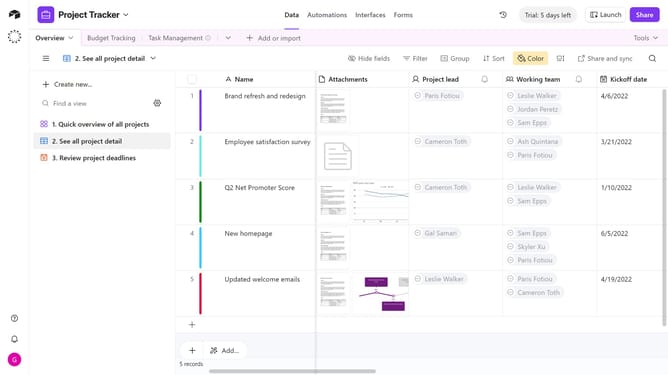
- Next, click the “+” button in the top-right corner of the table columns
- Then, select “Percent” from the field type dropdown menu
- Enter a name for your field in the field name input
- In the formatting section, configure the settings according to your preference
- You can click on the default value input field and enter your preferred number
- Finally, click the "Create field" button to create the new field
- Once created, your new Percent field is ready, and you can start entering percentage values for each record
Why should you create a percent field in Airtable
Airtable is a versatile platform that combines the features of spreadsheets and databases to help you organize and manage your projects effortlessly.
Creating a percent field in Airtable allows you to seamlessly calculate and display percentage data within your table.
This feature is particularly useful for tracking progress, evaluating performance metrics, or managing budgets.
By converting raw data into percentages, Airtable makes it easier to interpret insights at a glance, enhancing decision-making and improving productivity.
Last update