How to regenerate a sync share link in Airtable
Here is how to regenerate a sync share link in airtable
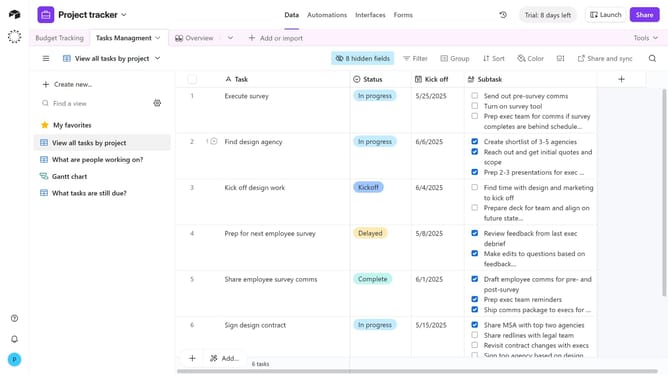
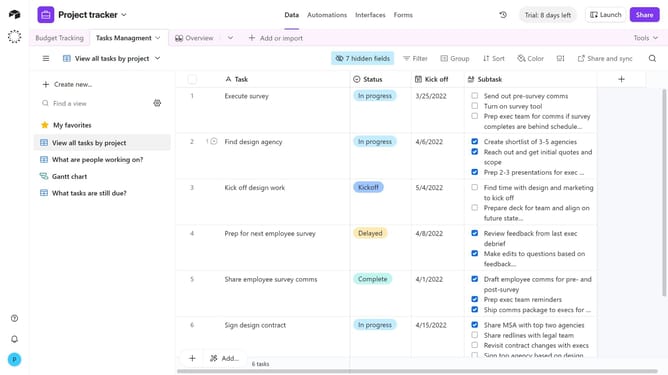
- First navigate to the specific base and view where you want to regenerate a sync share link
- Next click on the "Share and sync" button in the top toolbar
- Click on "Link settings" in the share menu dropdown
- Then click on "Generate new link" option in the link settings menu
- Finally click the "Generate new link" button in the confirmation dialog
Why should you regenerate a sync share link in Airtable
Airtable is an innovative platform that blends the functionality of spreadsheets with database features for seamless organization and collaboration.
Regenerating a sync share link in Airtable is a key feature for maintaining data integrity and control.
This ensures seamless collaboration while keeping your data secure and up to date.
Enjoy greater peace of mind with enhanced data management and tailored access, promoting a more efficient workflow.
Last update