How to duplicate a calendar view in Airtable
Here is how to duplicate a calendar view in airtable
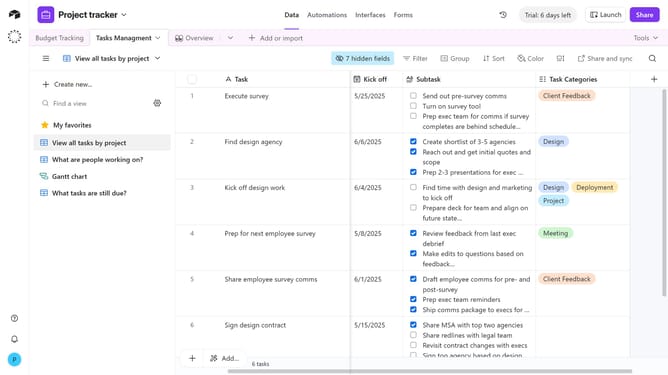
- First, navigate to the base and open the table containing the calendar view
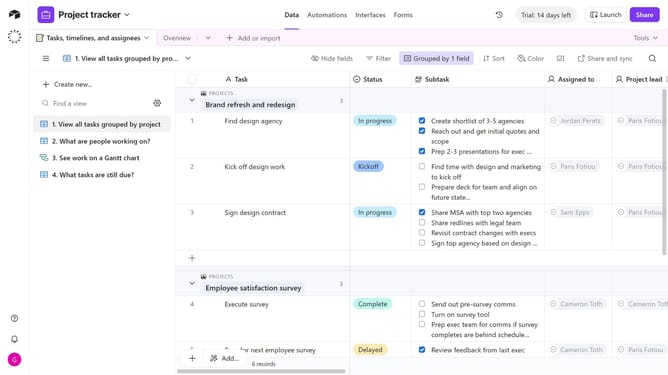
- Next locate the calendar view you want to duplicate in the sidebar
- Hover over the view name and click on the options menu (three dots) next to it
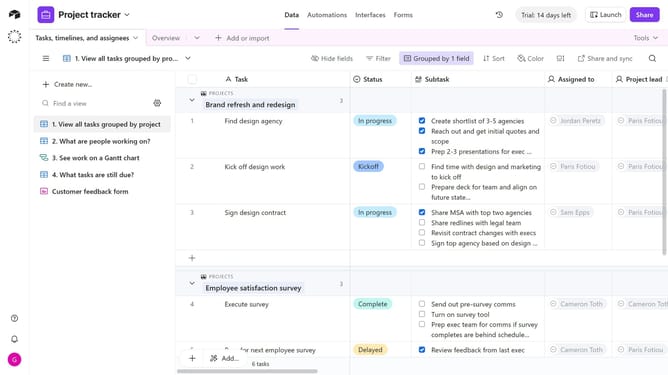
- Then click on "Duplicate view" option in the dropdown menu
- You have successfully duplicated the calendar view. Rename the duplicated view as needed
Why should you duplicate a calendar view in Airtable
Airtable is a versatile platform that combines the simplicity of a spreadsheet with the power of a database to organize anything.
Duplicating a calendar view in Airtable streamlines processes by allowing users to replicate and modify an existing setup.
This feature lets users efficiently manage recurring events or create customized schedules without starting from scratch.
Using duplicated views enhances productivity, ensuring that consistent formats are maintained across different projects.
Last update