How to rename a calendar view in Airtable
Here is how to rename a calendar view in airtable
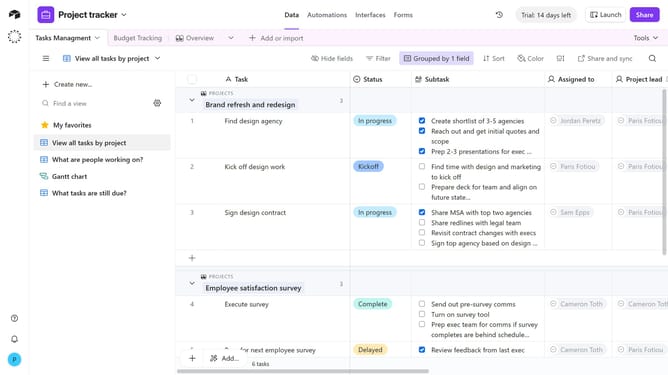
- First, navigate to the base and open the table containing the calendar view
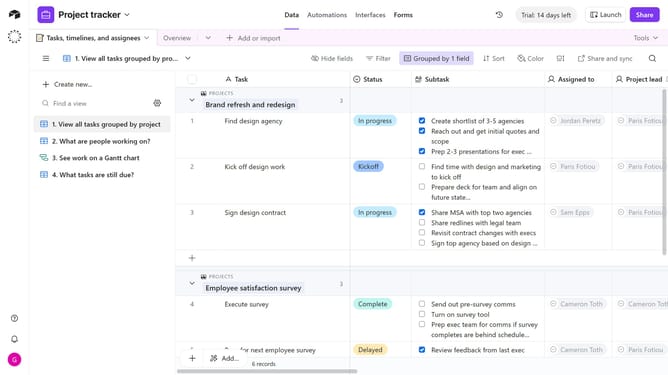
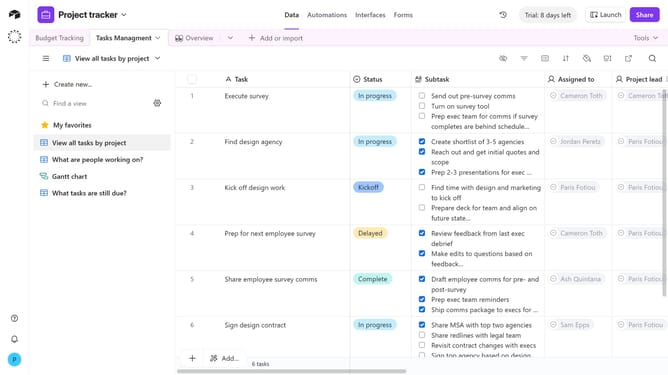
- Next locate the calendar view you want to rename in the sidebar
- Hover over the view name and click on the options menu (three dots) next to it
- Then select "Rename view" from the dropdown menu
- Finally enter the new name for the calendar view in the rename field and Press Enter to save the new name
Why should you rename a calendar view in Airtable
Airtable is a flexible and versatile platform designed to organize anything effortlessly.
Renaming a calendar view in Airtable is a straightforward feature that enhances clarity and organization within your projects.
When you rename your calendar view, you can tailor the view to reflect its specific content or purpose, making it instantly recognizable among your team members.
This customizability helps teams quickly locate and work within specific views, streamlining collaboration and project tracking.
Last update