How to review trash in a base in Airtable
Here is how to review trash in a base in airtable
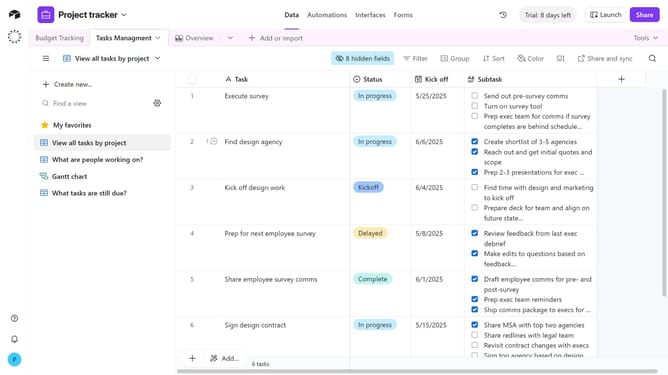
- First open the base where you want to review deleted items
- In the top-right corner click on the "Base history" option
- In the history dropdown menu, click on the "Trash" option
- The Trash panel will display all deleted tables, views, and records within that base
- From here, you can choose to restore any table, view, or record you need
Why should you review trash in a base in Airtable
Airtable is a versatile platform that seamlessly blends the power of a database with the simplicity of a spreadsheet.
One of its noteworthy features is the ability to review trash within a base—a crucial tool for anyone managing large sets of data.
This feature provides peace of mind by ensuring that accidentally deleted items can be quickly restored, supporting data integrity and reducing the risk of data loss.
Ultimately, it streamlines data management and allows users to operate with greater confidence and efficiency.
Last update