How to open the view sidebar in Airtable
Here is how to open the view sidebar in airtable
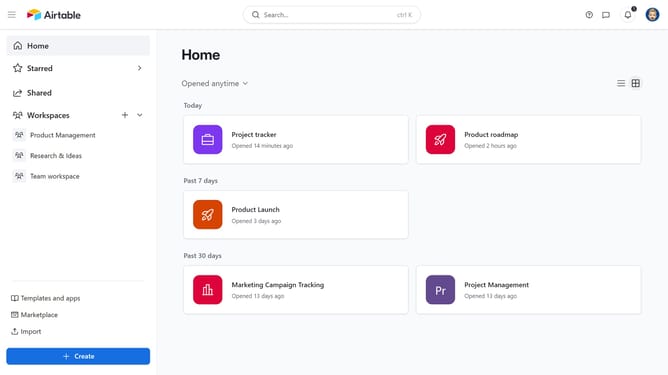
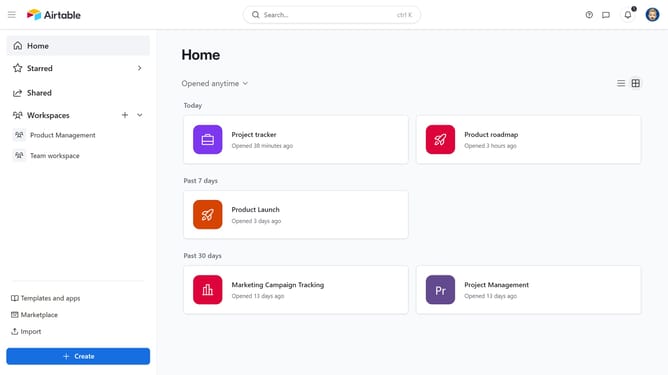
- First click on a base from the Airtable home screen
- Next open the table where you want to access views
- Then mouse over the view icon to open it as a fly-out, or click the view icon to keep the sidebar pinned open
- Finally the view sidebar will expand, showing the list of available views for the table
Why should you open the view sidebar in Airtable
Airtable is a dynamic platform that seamlessly blends the power of a database with the versatility of a spreadsheet.
Accessing the view sidebar in Airtable opens up a world of possibilities for organizing your data in creative ways. It's a gateway to efficiently manage and switch between different views, enhancing your project management experience.
Utilizing the view sidebar allows you to effortlessly customize and interact with your data, thereby streamlining workflows and boosting team collaboration.
Last update