How to restore a deleted workspace or base in Airtable
Here is how to restore a deleted workspace or base in airtable
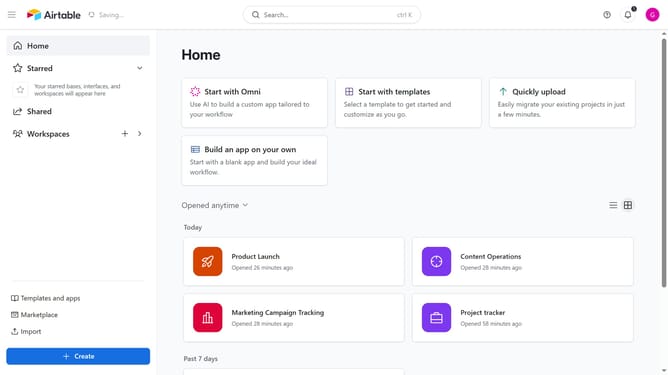
- First open your Airtable home screen
- Next click on your profile icon in the top-right corner
- Then click on the "Trash" option in the profile dropdown menu
- Locate the deleted base or workspace you want to restore
- Finally click on the "Restore" button next to the item
Why should you restore a deleted workspace or base in Airtable
Airtable empowers users to organize and visualize their data seamlessly, merging the simplicity of a spreadsheet with the power of a database.
The ability to restore a deleted workspace or base in Airtable offers peace of mind by ensuring data recovery is just a few clicks away.
This feature is crucial for maintaining continuous productivity and avoiding disruptions, making it invaluable for teams who rely on accurate and accessible information.
Whether due to accidental deletions or unexpected needs, this restoration capability safeguards your projects, preserving time and effort invested.
Last update