How to add a duration field in Airtable
Here is how to add a duration field in airtable
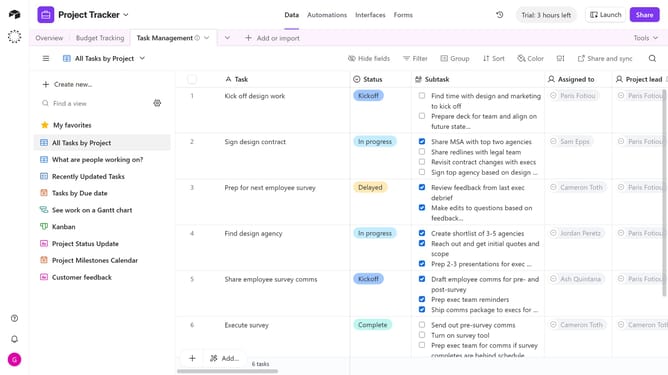
- First navigate your preferred base and open the table where you want to add the Duration field
- Next click on the "+" button in the top-right corner of the table columns
- Then select "Duration" from the field type dropdown menu
- Enter a name for your field in the field name input box
- Next click on the precision dropdown
- Choose "Hours or smaller" or "Days" from the dropdown menu
- Then click on the "Duration Format" dropdown and select your preferred format
- Finally click the "Create field" button to save the new duration field
Why should you add a duration field in Airtable
Airtable is a flexible, user-friendly spreadsheet-database hybrid designed to streamline and organize diverse data effortlessly.
Adding a duration field in Airtable allows you to manage time-based data effectively. It enhances your ability to track project timelines, log work hours, or measure event durations seamlessly.
The intuitive setup of the duration field offers you accuracy and saves time by simplifying complex calculations. Embrace this feature to optimize tracking and improve productivity across your projects.
Last update