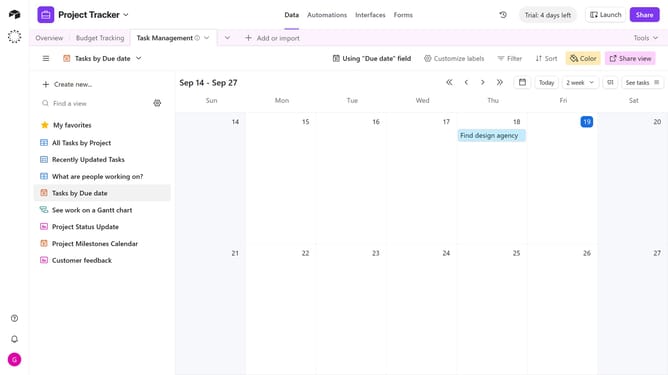
How to locate a record ID via an expanded record’s URL in Airtable
Here is how to locate a record id via an expanded record’s url in airtable
- First, navigate to your base and open the table containing the record
- Locate the record you want to expand
- Then click on the expand icon next to it
- The record will open in the full record view
- Look at the URL in your browser’s address bar. Your record ID is the "recxxxxxxxx" section of the address
Why should you locate a record ID via an expanded record’s URL in Airtable
Airtable is a powerful tool designed to seamlessly blend the functionality of a database with the ease of a spreadsheet.
Discovering a record ID via an expanded record’s URL in Airtable is a straightforward way to streamline data management. This feature allows you to quickly access specific records for efficient tracking and organization.
Employ this method to enhance collaboration within teams, as it simplifies data retrieval while minimizing errors. The benefit here is a more intuitive and faster navigation experience, supporting increased productivity.
Last update