How to add a percent field in Airtable
Here is how to add a percent field in airtable
- First, navigate to your preferred base and open the table where you want to add the field
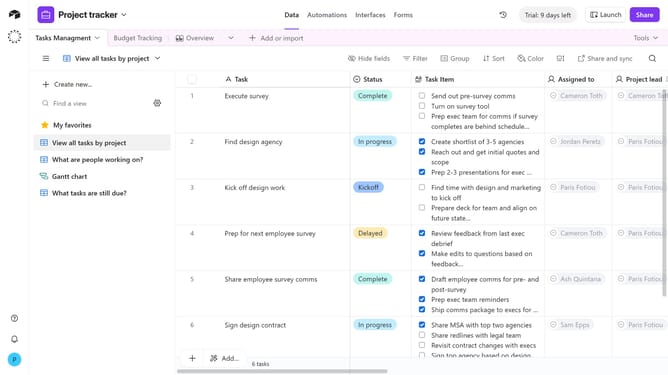
- Next, click the “+” button in the top-right corner of the table columns
- Then, select “Percent” from the field type dropdown menu
- Enter a name for your field in the field name input
- In the formatting section, configure the settings according to your preference
- You can click on the default value input field and enter your preferred number
- Finally, click the "Create field" button to add the new field
- Once created, your new Percent field is ready, and you can start entering percentage values for each record
Why should you add a percent field in Airtable
Airtable is a versatile and user-friendly platform that combines the simplicity of a spreadsheet with the power of a database.
Adding a percent field in Airtable is a dynamic feature that allows you to display data proportionally, making it easier to visualize and compare information.
With a percent field, you can effortlessly track progress, monitor performance, or calculate growth rates, enhancing data clarity and decision-making.
This feature not only streamlines workflows but also provides a clearer perspective on numerical data for better insights and planning.
Last update