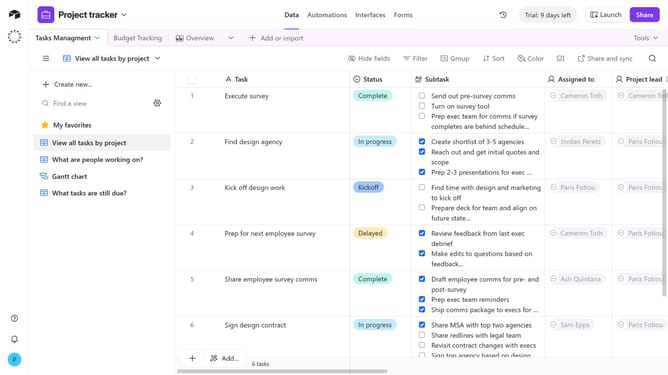
How to upload attachments in Airtable
Here is how to upload attachments in airtable
- First open a base from the home screen
- Next, open the table with an attachment field
- Click the cell in the attachment field where you want to add a file
- Then click on the "Add attachment" icon that appears in the attachment cell
- In the attachment source menu, choose one of the options to add a file
- Finally click on the "Upload file" button to complete the file upload process
- The attachment will now appear in the field cell, ready to view, download, or annotate
Why should you upload attachments in Airtable
Airtable is a versatile platform designed to streamline project management and data organization.
Uploading attachments in Airtable enhances the user experience by allowing for seamless integration of important files directly within your workspace.
This feature not only keeps your data centralized but also improves team collaboration by ensuring all necessary documents and media are easily accessible.
Ultimately, the ability to upload attachments transforms Airtable into a comprehensive resource, making project management more efficient and effective.
Last update