How to enable AI for all bases in a workspace in Airtable
Here is how to enable ai for all bases in a workspace in airtable
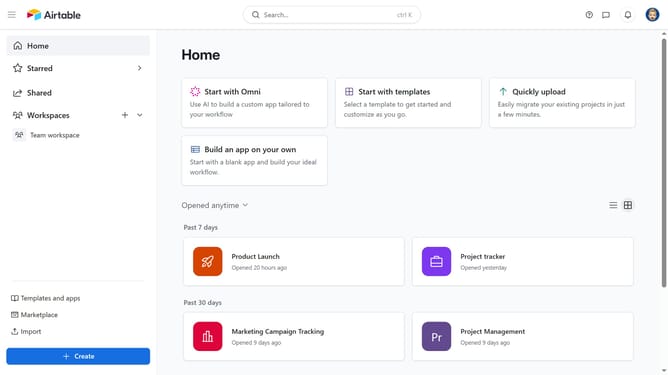
- First navigate to your home screen and click on the profile picture in the top-right corner of the header
- Next click on "Account" option in the dropdown menu
- In the left sidebar, select the workspace where you want to enable Airtable AI
- Under the Workspace AI permissions section, click the toggle next to "Turn on Airtable AI for all bases within this workspace" to enable it
- Finally click "Continue" button in the AI permissions confirmation dialog
Why should you enable AI for all bases in a workspace in Airtable
Airtable is a dynamic platform designed to streamline organization and collaboration seamlessly.
Enabling AI for all bases in a workspace elevates your Airtable experience by introducing intelligent automation across tasks, enhancing productivity significantly.
This feature is particularly beneficial as it unifies operations, making data management and analysis more efficient, which leads to insightful decision-making without extra manual input.
Integrating AI ensures that all team members can leverage sophisticated tools uniformly, fostering a cohesive and advanced work environment.
Last update