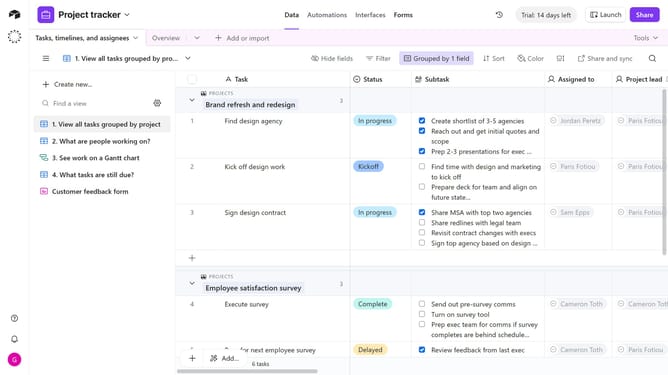
How to duplicate an extension on a base in Airtable
Here is how to duplicate an extension on a base in airtable
- First, open the base where the extension is located and click on the "Tools" button in the top-right corner
- Next click on the "Extensions" option from the dropdown menu
- In the extensions panel, locate the extension you want to duplicate
- Click on the extension name to open the dropdown menu
- Then select "Duplicate extension" from the dropdown menu
- A copy of the extension will be created, which you can configure as needed
- Once finished, click the "Done" button at the bottom of the settings panel
Why should you duplicate an extension on a base in Airtable
Airtable is a versatile platform designed to streamline team collaboration through customizable databases.
Duplicating an extension on a base in Airtable allows users to efficiently replicate complex configurations without starting from scratch.
This feature ensures consistency across multiple projects, saving time and enabling rapid scaling.
By streamlining workflows and maintaining data integrity, duplicating extensions enhances productivity and adaptability in dynamic work environments.
Last update