How to rename a form title in Airtable
Here is how to rename a form title in airtable
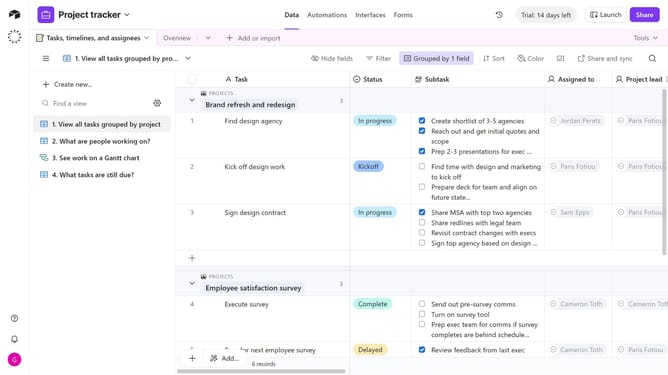
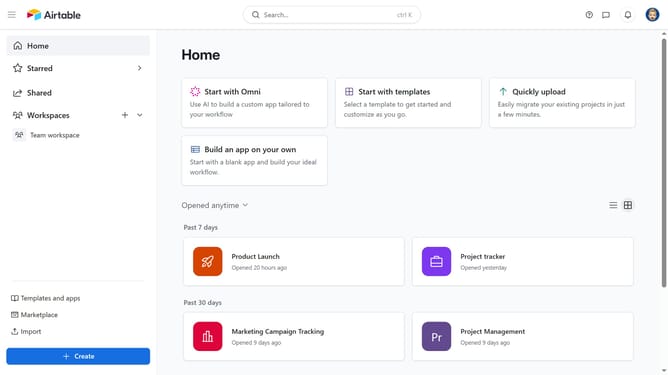
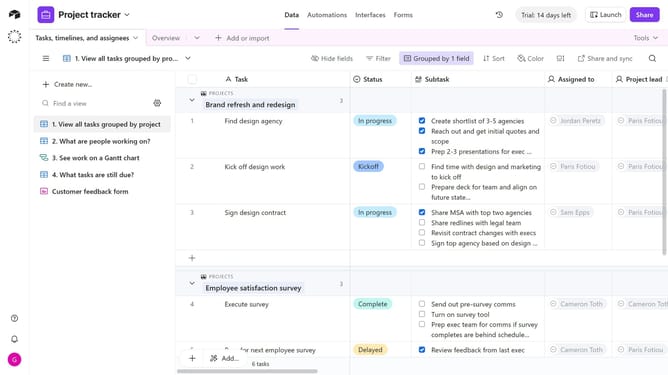
- First navigate to the base that contains your form and click on the "Forms" tab
- In the forms list, select the form you want to change the title
- Next click on your current form title in the form editor to rename it
- Then type the new title you want to use for your form
- Once you’ve updated the title, click anywhere outside the text box to save the change automatically
- Finally, click the "Publish" button in the top-right corner to update the live form
Why should you rename a form title in Airtable
Airtable is a revolutionary platform that combines the flexibility of a spreadsheet with the power of a database to streamline collaboration and organization.
Renaming a form title in Airtable provides a simple yet effective way to keep your projects organized and your teams aligned. By renaming a form, you ensure that everyone involved can easily identify the form's purpose, leading to increased efficiency.
This feature allows for clear communication and minimizes the risk of confusion, making it easier to manage workflows and maintain consistency across teams and projects.
Last update