How to create a new form view in Airtable
Here is how to create a new form view in airtable
- First navigate to the table where you'll be collecting your new data
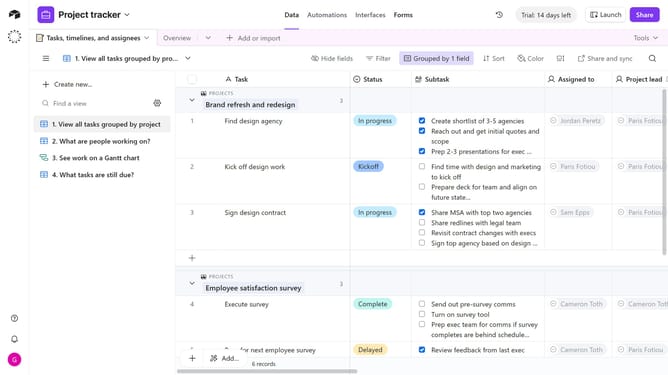
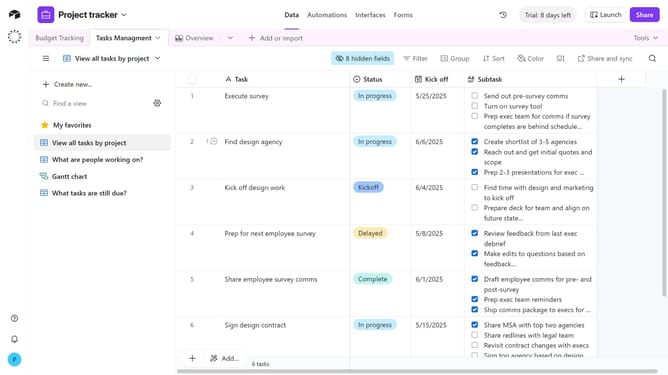
- Next open the view sidebar and click on the "Create new"
- Select "Form" option from the create new menu
- In the new form dialog, enter a name for your form view
- Next set the view as "Collaborative" or "Personal"
- Then click the "Create new view" button to create the form
- In the form editor, configure your form by adding a cover image, logo, description, fields and other elements as needed
- Next, you can configure what happens after a form is submitted by adjusting the options at the bottom of the form builder
- Once you're done building your form, click the "Share form" button in the top-right corner
- Finally copy the link to send to respondents or embed it on a website
Why should you create a new form view in Airtable
Airtable combines the simplicity of a spreadsheet with the power of a database to organize everything in a versatile and collaborative environment.
Creating a new form view in Airtable enables users to seamlessly gather data through a customizable interface.
This feature transforms raw input into structured insights, which can enhance productivity and team collaboration.
By leveraging form views, teams streamline data collection processes, ensuring more efficient workflows and informed decision-making.
Last update