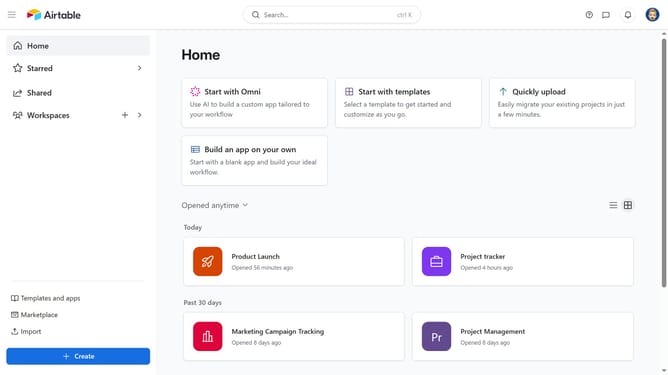
How to create a new form using the form builder in Airtable
Here is how to create a new form using the form builder in airtable
- First navigate to the base where you want form submissions to be received and click on the "Forms" tab in the top navigation menu
- Click on the "New form" or "View templates" button in the empty forms page
- Next click on the table dropdown in the table selection
- Select an existing table from the dropdown or choose to create a new table
- In the Form Name field, enter a name for your form
- Then click the "Create form" button to generate the new form
- On the form editor page, configure your form by adding a cover image, logo, description, fields and other elements as needed
- Use the panel on the right-hand side to customize your form’s general properties, such as Data, Appearance, Settings, Submission Options, and User Actions
- Once the form is fully configured, click the "Publish" button in the top-right corner
- You will now be directed to the live version of the form
- Then click the "Share" button in the top-right corner
- From here, you can configure the share settings, choose embed options or copy the form link if needed
Why should you create a new form using the form builder in Airtable
Airtable is a versatile platform designed to simplify collaboration and data organization for teams.
Creating a new form using Airtable's form builder is both intuitive and efficient. This feature allows users to customize fields and layouts seamlessly, ensuring that all collected data is perfectly formatted for specific needs.
By using Airtable's form builder, teams can gather and manage information in real-time, enhancing productivity and communication. The ability to personalize forms ensures that data collection aligns with unique project requirements, fostering better decision-making.
Last update