How to add a dedupe extension to a base in Airtable
Here is how to add a dedupe extension to a base in airtable
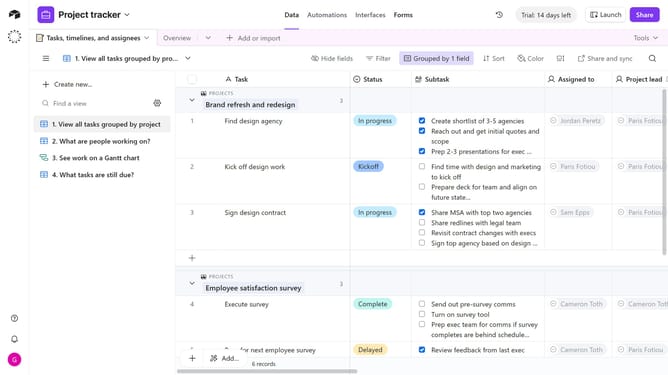
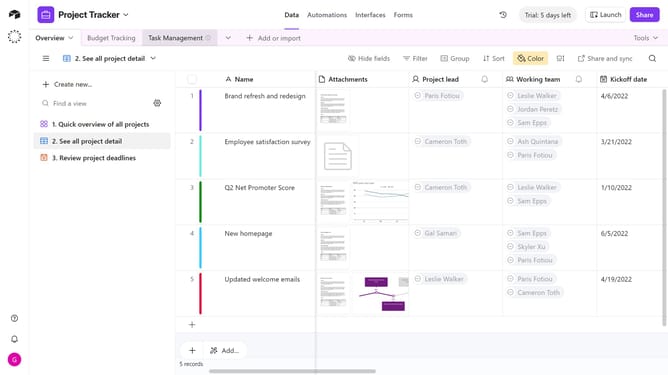
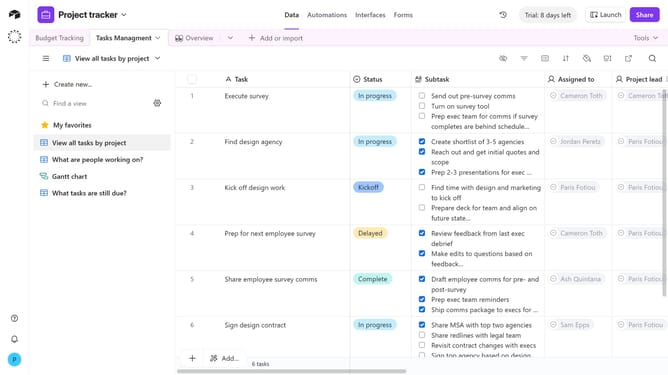
- First, open the base where you want to add a dedupe extension
- Next click on the "Tools" dropdown button in the top toolbar
- Click on the "Extensions" option in the Tools dropdown menu
- Then click the "Add an extension" button in the extensions panel
- In the Marketplace Extensions page, click on the search field and type "Dedupe"
- Finally click on the "Add" button next to the Dedupe extension
- The Dedupe extension has been added to your base. You can now begin setup
Why should you add a dedupe extension to a base in Airtable
Airtable elegantly combines the simplicity of a spreadsheet with the power of a database to organize your work efficiently.
Adding a dedupe extension to your Airtable base streamlines your data management process by identifying and merging duplicate entries. This feature is essential for maintaining the integrity of your data without the hassle of manual checks, allowing you to keep your database clean and precise.
Utilizing this extension saves time, enhances productivity, and ensures that your data remains accurate, which is invaluable for making informed decisions.
Last update