How to hide fields in a calendar view in Airtable
Here is how to hide fields in a calendar view in airtable
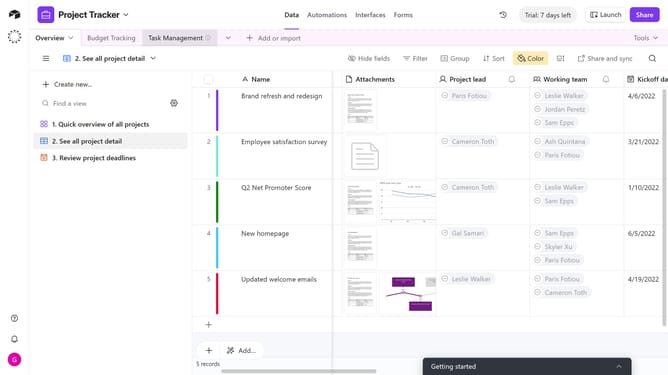
- First, navigate to the base and open the table containing the calendar view
- In the view sidebar, select the calendar view you want to update
- Next click on "Customize labels" button in the toolbar
- In the customize labels popup that appears, toogle off the fields you want to hide
- Now, the selected fields are hidden in your calendar view
Why should you hide fields in a calendar view in Airtable
Airtable is a versatile platform that merges the power of databases with the flexibility of spreadsheets, tailored for teams to organize anything.
In a calendar view, hiding fields helps streamline your focus, eliminating clutter to enhance clarity and efficiency.
By concealing unnecessary fields, you'll optimize your workflow, making data management more intuitive and less overwhelming.
This feature ensures you maintain a clean and organized workspace, emphasizing only the most pertinent information for a stress-free and productive experience.
Last update