How to add a currency field in Airtable
Here is how to add a currency field in airtable
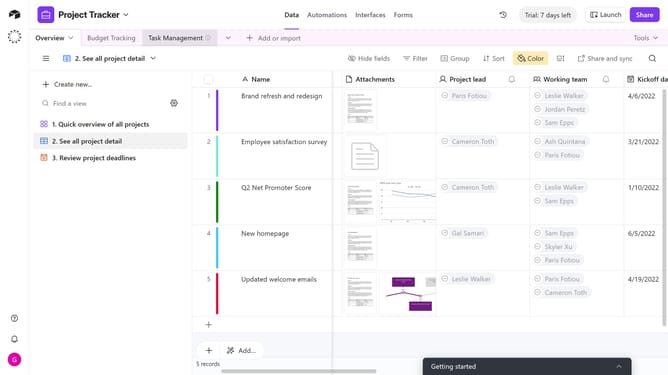
- First, navigate to your preferred base and open the table where you want to add a Currency field
- Next, click the “+” button in the top-right corner of the table columns
- Then, select “Currency” from the field type dropdown menu
- Enter a name for your field in the Field name input
- Next you can optionally update the default settings under the Formatting section
- You can click on the default value input field and enter your preferred number
- Finally click on "Create field" button to create the new field
Why should you add a currency field in Airtable
Airtable is a versatile platform designed to streamline organization and project management with a blend of a spreadsheet's simplicity and a database's power.
Adding a currency field in Airtable allows users to manage financial data with precision and clarity. It ensures that monetary values are consistently formatted, making financial tracking seamless.
Using the currency field feature enhances data accuracy, supports financial reporting, and improves analysis, offering a reliable way to handle financial information for any project or business.
Last update