How to change the layout of a field in an Airtable form
Here is how to change the layout of a field in an airtable form
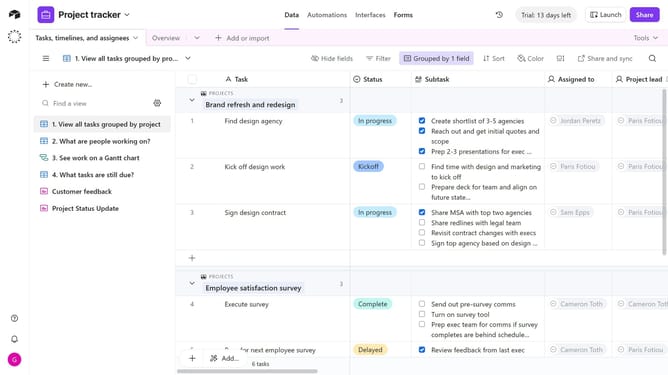
- First navigate to the base that contains your form and open the "Forms" tab
- In the forms list, select the form you want to edit
- Next in the form editor, click the field whose layout you want to change
- In the settings panel on the right, locate the "Layout"
- Then select the desired layout option, dropdown or List (specific to single and multiple select fields)
- The field will update instantly to reflect the new layout
- Finally, click the "Publish" button in the top-right corner to save the changes
Why should you change the layout of a field in an Airtable form
Airtable seamlessly combines the simplicity of a spreadsheet with the power of a database to keep you organized.
Changing the layout of a field in an Airtable form allows you to tailor data entry experiences, ensuring it aligns with how users naturally handle information. This feature adds versatility, enabling fields to fit the specific context of projects effortlessly.
Utilizing this capability can enhance clarity, increase productivity, and encourage fluid collaboration by presenting only the most relevant information at the right time.
Last update