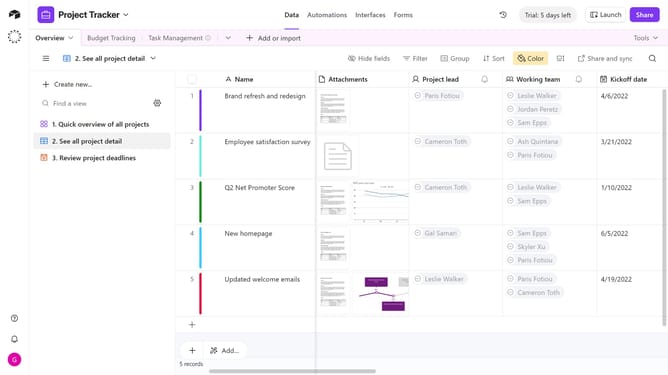
How to change a workspace name in Airtable
Here is how to change a workspace name in airtable
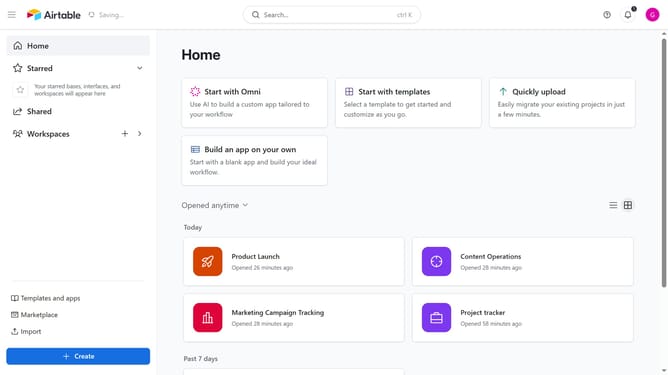
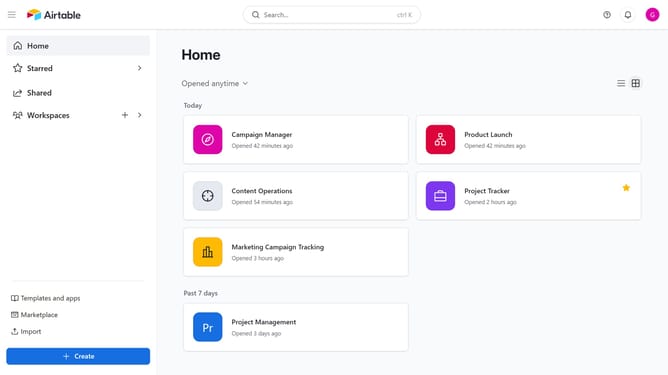
- First navigate to your home screen
- In the sidebar, locate and click on the workspace you want to rename
- Next click on the "More actions" button (three dots) in the top-right corner
- Then click on "Rename workspace" option from the dropdown menu
- Finally type in the new name for your workspace and press "Enter" to save
Why should you change a workspace name in Airtable
Airtable is an innovative platform that combines the flexibility of a spreadsheet with the power of a database, designed to revolutionize team collaboration and project management.
Changing a workspace name in Airtable is a straightforward process that enhances organization and clarity. It allows teams to better manage multiple projects by assigning relevant and intuitive names to workspaces. This feature ensures that team members can quickly identify and switch between different work environments seamlessly.
Using appropriate workspace names not only aids in maintaining a streamlined workflow but also fosters effective communication within teams. By customizing workspace names, users benefit from a tailored workspace that reflects the unique needs and dynamics of their project.