How to enable email responses for a form in Airtable
Here is how to enable email responses for a form in airtable
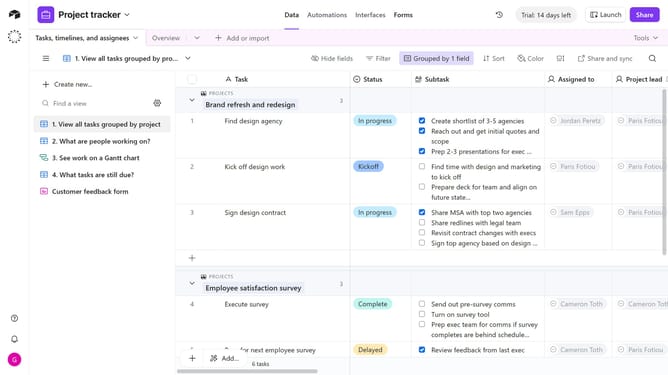
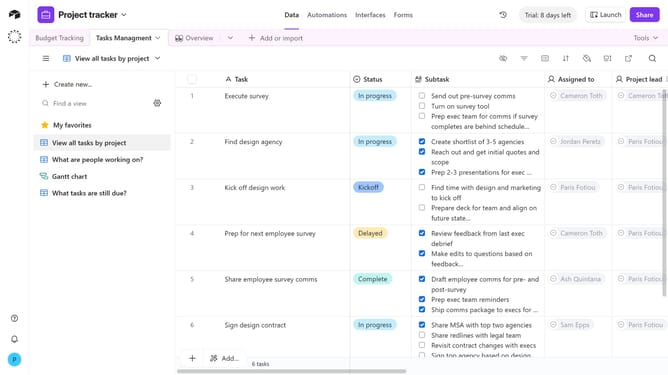
- First navigate to the base that contains your form and open the "Forms" tab
- Select the form you want to edit in the forms list
- Next, click on the edge of the form’s canvas to open the Properties panel on the right
- Locate the "Email responses" option in the right sidebar settings
- Then click on the dropdown menu next to it
- A list of collaborators in your base will appear
- Then select the collaborators who should receive email notifications when the form is submitted
- Finally click on "Publish" button in the top-right corner to apply the changes
Why should you enable email responses for a form in Airtable
Airtable is a versatile platform that combines the simplicity of a spreadsheet with the power of a database to streamline workflow management.
Enabling email responses for a form in Airtable enhances your data collection process by sending automatic notifications whenever a form is submitted.
This feature ensures you stay updated in real-time, allowing for prompt follow-ups and improved communication.
Using email responses also keeps your team aligned, fostering collaboration and efficiency as everyone receives the necessary information directly to their inbox.
Last update