How to generate a base with Omni AI in Airtable
Here is how to generate a base with omni ai in airtable
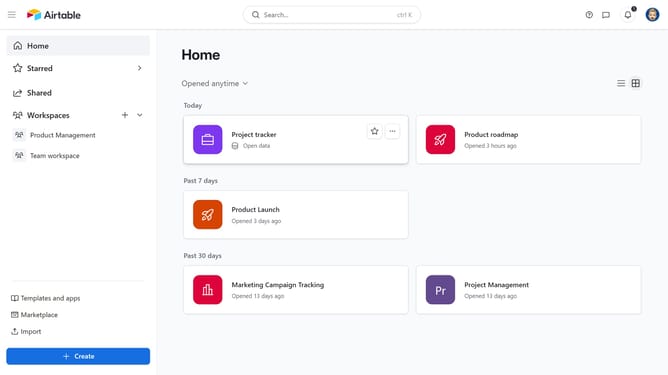
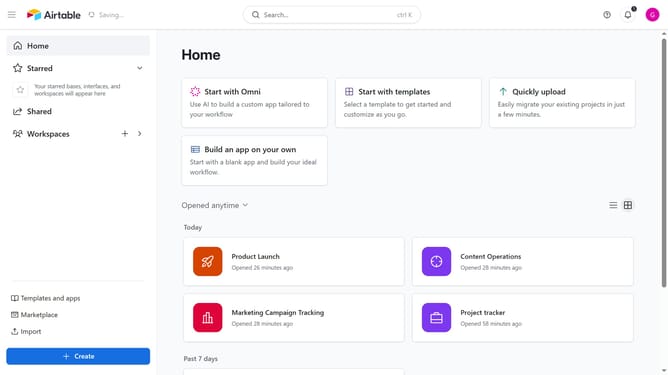
- First, navigate to your home screen and click on the "Create" button in the left sidebar
- Next click on "Workspaces" option in the left navigation menu
- Select a workspace from the dropdown menu
- Then click on "Build an app with Omni" option
- Next, click into the input field
- Then, type a short description of what you want your base to do
- Click the "Build it" button to start creating the base
- Omni AI will create a base structure with tables and fields based on your description
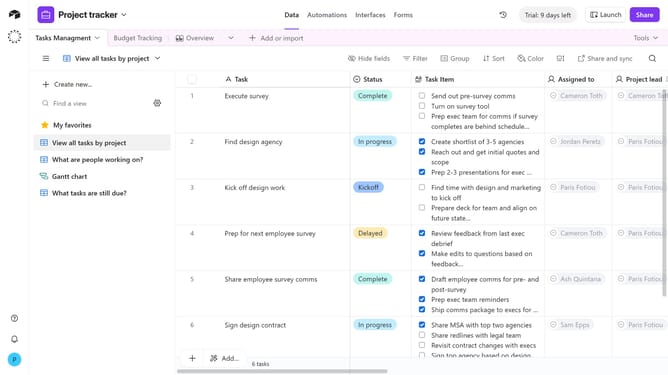
- Finally, once the base is created, review the AI-generated tables and fields, and make any edits you need
Why should you generate a base with Omni AI in Airtable
Airtable is a powerful platform designed to help you organize anything effortlessly.
With Omni AI in Airtable, creating a base is now a seamless experience. This feature leverages artificial intelligence to swiftly assemble a structured base tailored to your needs, dynamically adjusting as your projects evolve.
This innovation not only saves time but also enhances productivity by relieving you of repetitive setup tasks, allowing you to focus on what truly matters.
Embrace efficiency with Omni AI to uncover new possibilities and streamline your workflow in compelling ways.
Last update