How to mark a base as a favorite in Airtable
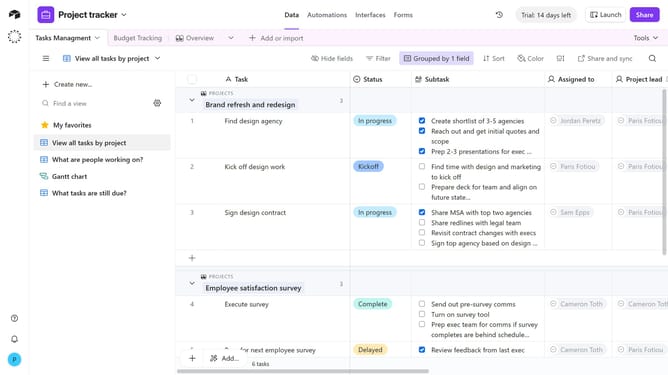
Here is how to mark a base as a favorite in airtable
- First navigate to your Airtable home screen
- Next locate the base you want to favorite
- Then hover over the base and a star icon will appear in the top-right corner
- Finally click the star icon to mark the base as a favorite
Why should you mark a base as a favorite in Airtable
Airtable is a versatile platform that combines the ease of a spreadsheet with the power of a database to organize anything.
Marking a base as a favorite in Airtable enhances quick access, ensuring your most important projects are just a click away. This feature simplifies navigation, allowing you to stay focused on your workflow without wasting time searching.
By making important bases stand out, you enhance productivity and streamline operations, making Airtable an indispensable tool for organized and efficient work management.
Last update